

Every flight booking comes back with a short code, something like K7QX2M. Travellers use it to manage the trip online, check-in desks use it to find the booking, and agents use it to change or ticket it. That code points to a passenger name record, and knowing the PNR meaning explains a lot about how air travel is sold, ticketed and serviced behind the scenes.
This guide explains what a PNR is, what goes inside one, how it moves between agency and airline systems, how it differs from a ticket number and an NDC order, and what your booking software has to do with it.
What Does PNR Mean?
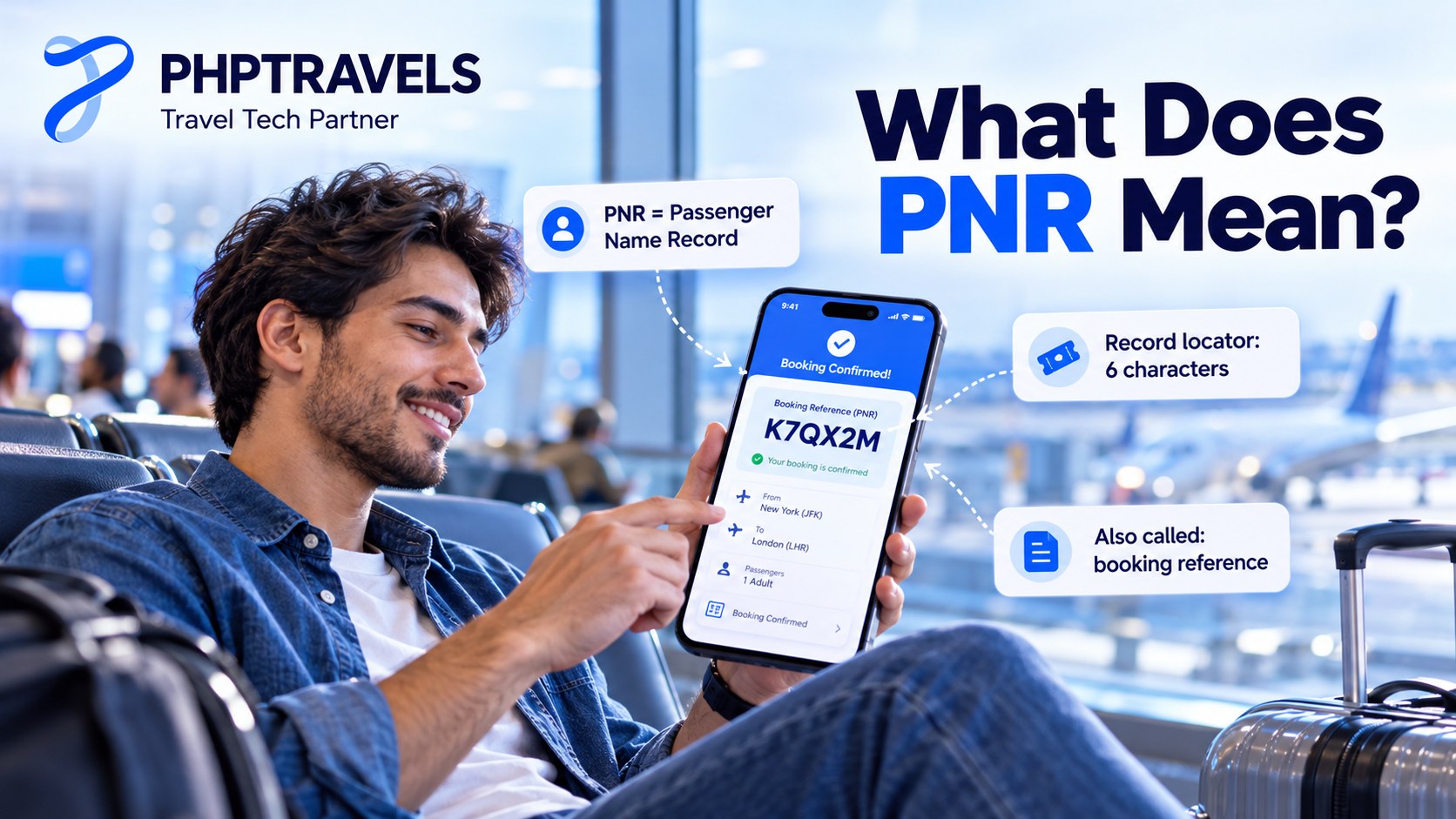
The short PNR meaning: PNR stands for passenger name record. It is the reservation record stored in an airline or travel reservation system for one passenger, or a group of passengers travelling together on the same itinerary. The record holds who is travelling, which flights they are booked on, how to contact them and how the booking will be ticketed.
The code you see on a confirmation is not the PNR itself but its record locator: the key that opens the record. Record locators are typically six letters and numbers, although some systems use seven or eight, and a locator can be reused once the old PNR has been purged from the system (record locator overview). In everyday use, “PNR”, “PNR number”, “booking reference”, “confirmation code” and “record locator” all refer to that same code.
The idea goes back to the early days of interlining, when airlines needed a common way to pass reservations to each other for journeys on more than one carrier. IATA and the US airline association defined message standards (AIRIMP) for exchanging PNR data, but there is still no single standard for how a PNR is laid out inside each system. Every reservation system has its own format, which is why an Amadeus, Sabre or Travelport screen looks different even though the core data is the same (Wikipedia: Passenger name record).
PNR in rail and bus bookings
If you searched for the PNR meaning from India, you may have seen railway results. Indian Railways also calls its booking number a PNR, but it is a 10-digit number checked on the Indian Railways PNR enquiry page, not the six-character airline locator. Bus operators and some ferry systems borrow the term too. The concept is the same, a record of who booked what, but the rest of this article is about airline PNRs, which is what travel agencies and booking platforms deal with.
What Is Inside a Passenger Name Record?
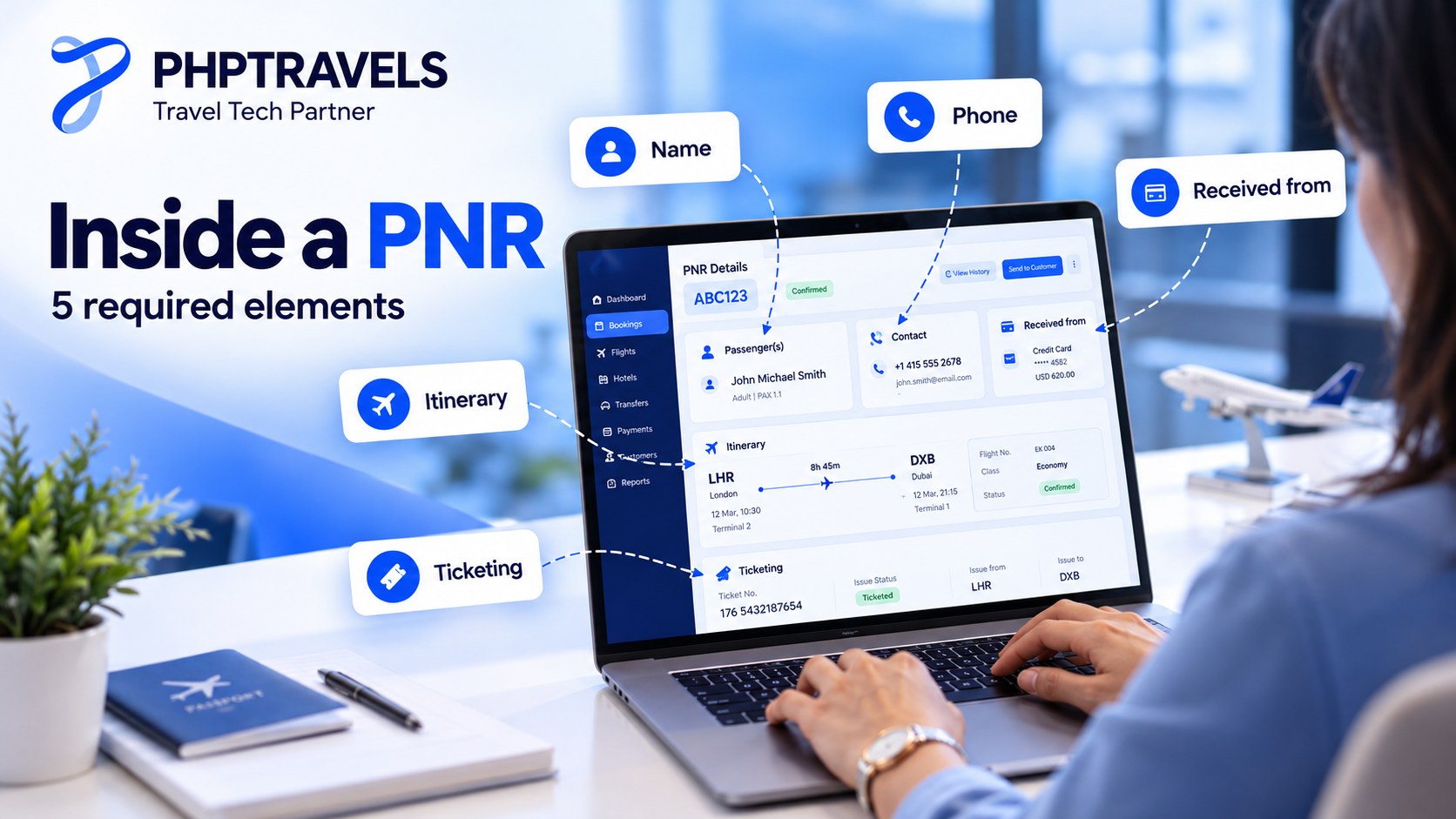
A reservation system will not save a PNR until five elements are present. GDS trainers often teach them with the mnemonic PRINT:
- Phone / contact for the agency or airline office, and usually the passenger.
- Received from: who supplied the information or made the booking.
- Itinerary: at least one segment, the same for every passenger in the record.
- Name of each passenger, exactly as on the travel document.
- Ticketing: either a ticket number or a ticketing time limit.
Once those are in, the system adds a timestamp and the booking office’s identifier (the pseudo-city code), issues the record locator, and starts a history log of every change. Most PNRs then carry much more. The table shows the common elements and who relies on them.
| PNR element | What it holds | Who uses it |
|---|---|---|
| Names | Surname/first name and title for each traveller, infant links | Airline check-in, security screening, ticketing |
| Segments | Flight number, date, route, booking class and status code per flight | Airline inventory, the agent, the traveller |
| Contacts | Agency phone, passenger phone and email | Airline disruption messages, agency support |
| Ticketing field | Ticket numbers once issued, or the deadline to issue them | Ticketing desk, airline revenue accounting |
| Fare and payment | Fare type, taxes, form of payment | Refunds and reissues, finance |
| SSR | Special service requests: meals, wheelchair, unaccompanied minor, passport data | The operating airline |
| OSI | Other service information: free-text notes to the airline, such as a VIP or language note | The operating airline |
| Seats and frequent flyer | Seat numbers, loyalty numbers | Airline, traveller |
| Remarks | Agency notes, invoice and accounting lines, supplier references | Agency back office only |
| History | Every change with time and author | Disputes, debit-memo checks, audits |
Two practical points follow. First, the name must match the passport, because the airline transmits passport and name data to border authorities and a mismatch can mean a denied boarding or a paid name correction. Second, a PNR does not have to stay air-only: reservation systems can also store hotel, car, transfer and rail segments, so one record can hold a whole trip.
How a PNR Is Created and Shared Between Systems

When an agent or a booking website sells a flight through a global distribution system, the PNR is created in that GDS. This is the master PNR, and its locator is the one the agency works with. If the traveller books directly with the airline, the master PNR sits in the airline’s own reservation system instead.
The GDS then sends booking messages to every airline in the itinerary. Each airline opens its own copy of the record in its reservation system, with its own record locator, and sends that locator back. That is why one trip can have two or three valid codes: the agency’s GDS locator and an airline locator for each carrier. When the airline’s system is hosted on the same platform as the agency’s, the codes can be identical, as the PNR entry on Wikipedia notes.
For agencies this matters every day. Travellers who use the airline website for seat selection or online check-in need the airline locator, not the agency one. Good booking software stores both and prints the airline locator on the itinerary. The linked records stay in sync: a schedule change made by the airline flows back into the master PNR, and a cancellation by the agency flows out to the airline.
One more case to know is the split. If one of four travellers in a record changes dates, the agent divides that passenger into a new PNR. The new record gets its own locator, and both records keep a cross-reference to each other. Splits are common in group bookings, and authorities that receive PNR data track “split/divided” information as a separate field.
If you want the wider picture of how these records move between airlines, GDSs, NDC connections and OTAs, our guide to airline distribution walks through each channel, and the CRS vs GDS explainer covers which system owns which record.
PNR Status Codes and the Booking Lifecycle
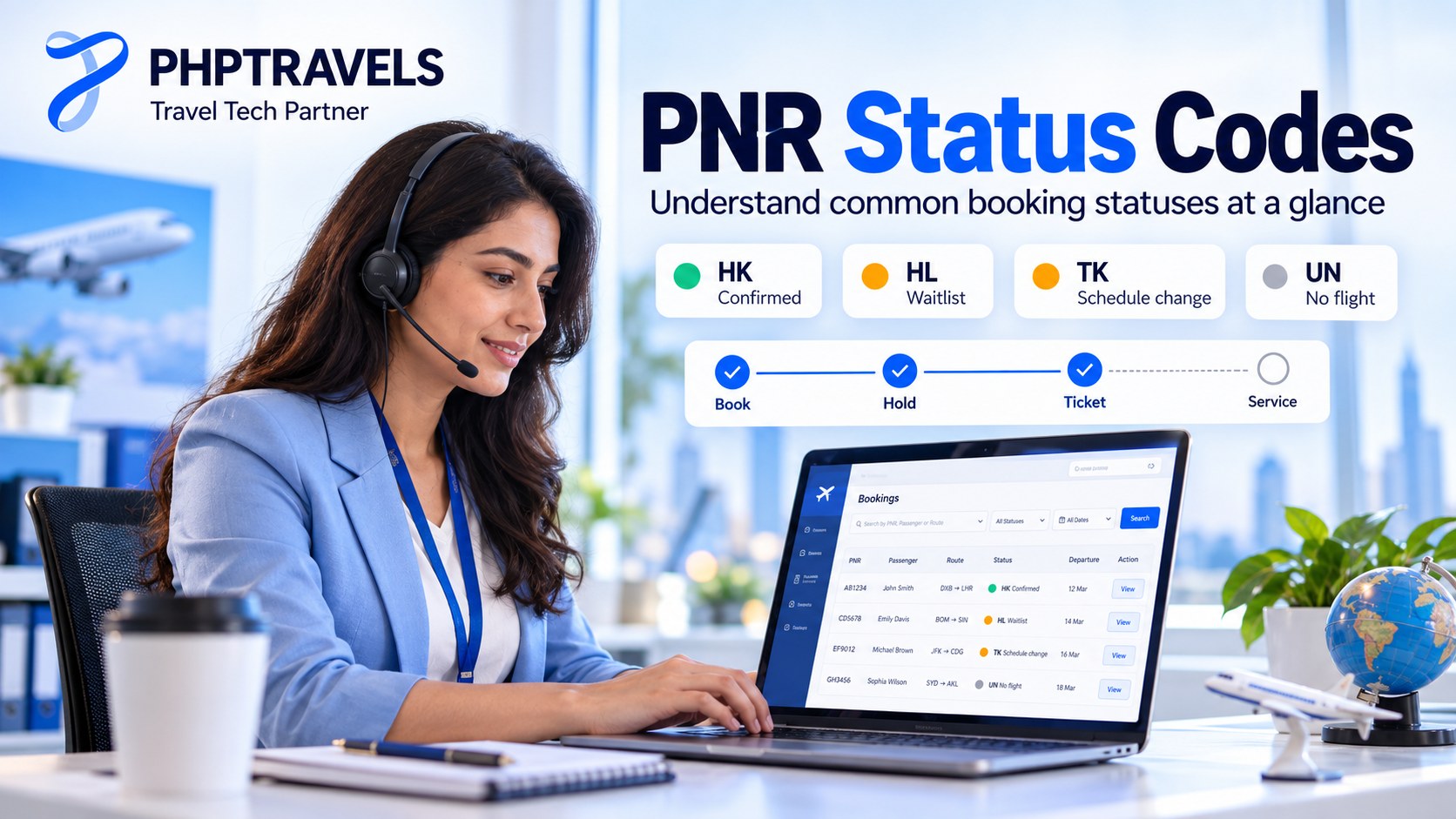
Every flight segment in a PNR carries a two-letter status code. Reading them correctly is the difference between issuing a ticket cleanly and issuing one against a seat the airline never confirmed. The codes below appear in all major systems; the definitions follow Travelport’s air status code reference.
| Code | Meaning | What the agent does |
|---|---|---|
| HK | Holds confirmed | Ticket before the time limit |
| HL | Holds waitlist | Wait for clearance; do not ticket |
| KK | Carrier confirmed (for example, from a request or waitlist) | Accept the change so it becomes HK |
| TK | Schedule change; advise passenger of new times | Tell the traveller, check connections, accept or rebook |
| UC | Unable to confirm or waitlist | Remove the segment and sell another option |
| UN | Unable, no flight | Rebook; the flight no longer operates |
| HX / XX | Holding cancelled / segment cancelled | Clean the segment out of the PNR |
Around those codes, a typical airline PNR moves through six stages:
- Search and price. The fare is quoted from live availability.
- Book. Passenger and document details are added and the PNR is created. Good systems recheck price and availability first, because fares can disappear between search and booking.
- Hold. The seat is held until the ticketing time limit set by the fare or the airline. Miss it and the airline can cancel the segments automatically.
- Ticket. Payment is taken, the e-ticket is issued and its number is written into the PNR. The detail of this step is covered in our air ticketing guide.
- Service. Seats, bags, name corrections, schedule changes, reissues for new dates, voids and refunds, all under the fare rules.
- Fly and archive. After travel the record is purged from the live system to archival storage.
PNR habits that cost agencies money
Airlines watch PNR behaviour closely and bill agencies for abuse through agency debit memos (ADMs). Delta’s published booking policy definitions describe the usual offences: churning (repeatedly booking and cancelling the same itinerary to extend a ticketing time limit or hold seats), duplicate bookings for the same passenger, and passive segments used for anything other than ticketing an existing booking. ANA’s ADM policy puts a figure on it: USD 40 per passenger, per segment, for duplicates and churning. On a busy agency desk those fees add up quickly, which is why automated duplicate checks and time-limit queues are worth having.
PNR vs Ticket Number vs Booking Reference
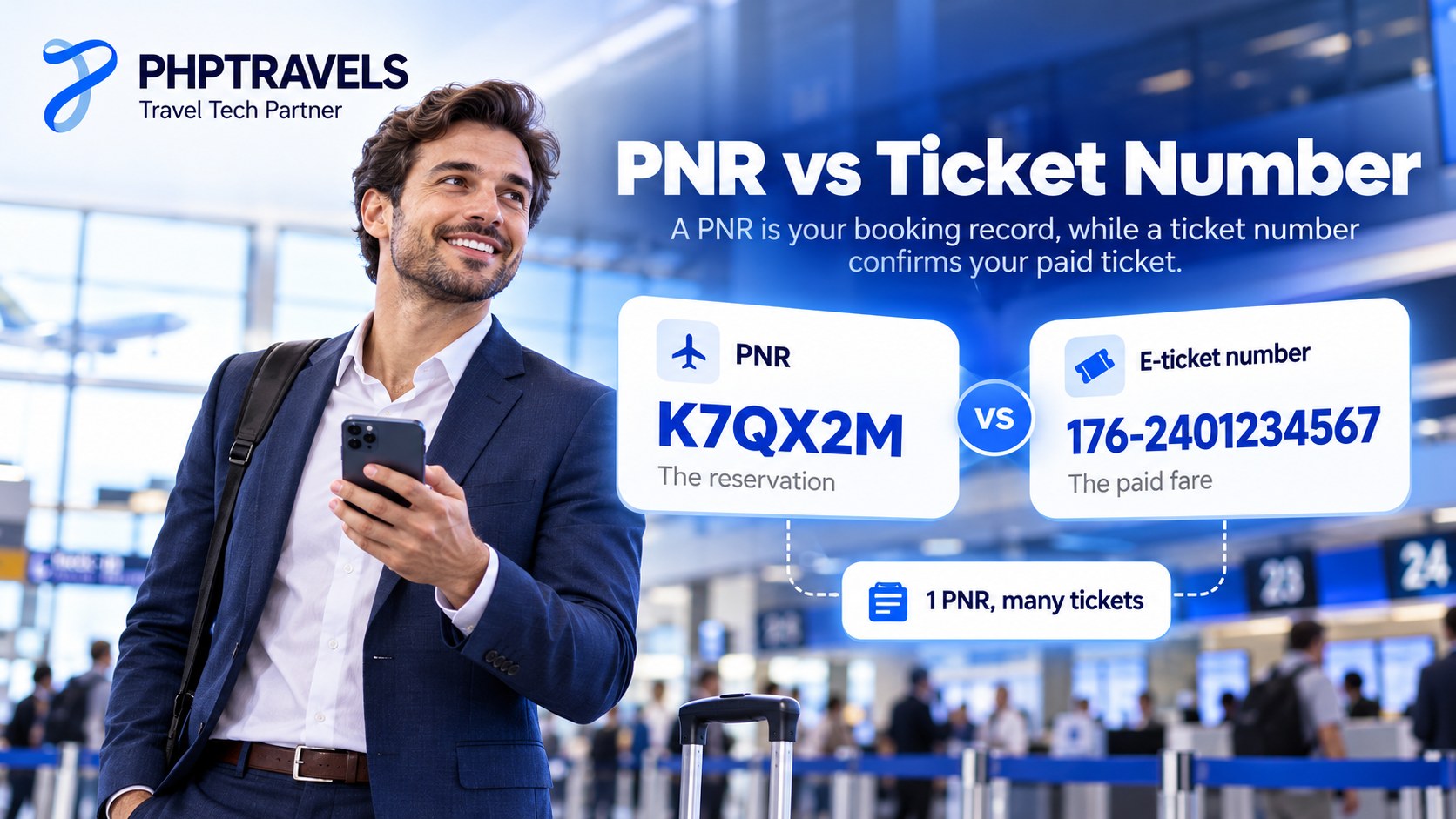
The most common confusion is between the PNR and the ticket. They are separate records with separate jobs. The PNR is the reservation: it says a seat is held for a named passenger. The e-ticket is the payment document: it proves the fare has been paid and gives the passenger the right to fly. A confirmed PNR without a ticket can still be cancelled at the time limit; a ticket without a valid PNR segment behind it causes problems at check-in.
The e-ticket number is a 13-digit number made of the airline’s three-digit ticketing code, a four-digit form number and a six-digit serial number (e-ticket structure). The first three digits tell you which airline validated the ticket; Emirates tickets, for example, start with 176. If you need to decode a prefix, IATA.co’s airline codes directory lists each carrier’s two-letter IATA code, ICAO code and, where known, its three-digit ticket prefix.
| Identifier | Format | What it identifies | Who issues it |
|---|---|---|---|
| PNR / record locator | Usually 6 letters and digits | The reservation (who, which flights, contacts) | The GDS or airline system that holds the booking |
| Airline locator | Usually 6 letters and digits | The airline’s copy of the same reservation | Each operating airline |
| E-ticket number | 13 digits (3-digit airline code + form + serial) | The paid fare for one passenger | The validating airline, issued by the agent or airline |
| EMD number | 13 digits | Paid extras such as bags, seats or change fees | The airline |
| NDC order ID | Varies by airline or aggregator | The order that combines offer, payment and services | The airline’s order system |
One PNR can hold several tickets: a family of four on one record has one locator and four ticket numbers. A reissue for a new date produces a new ticket number while the locator usually stays the same, so agency systems should keep the link between the old and new ticket for refunds and audits.
PNR Data, Privacy and Government Rules

A PNR is a commercial record, but governments use it heavily for border security. In the United States, every airline flying to, from or through the country must give U.S. Customs and Border Protection electronic access to PNR data, under 49 U.S.C. 44909(c)(3). CBP lists 19 data categories it may receive, from the record locator and travel agency details to payment information, seat, baggage, special service requests and the full change history (CBP: Passenger Name Record).
The EU runs a parallel system. Directive (EU) 2016/681 requires each member state to run a Passenger Information Unit that receives PNR data for flights between the EU and third countries. Newer API regulations, (EU) 2025/12 and 2025/13, add the PNR record locator to the advance passenger data airlines must send and set up a central EU router for API and PNR transfers (European Commission overview).
| Rule | United States (CBP) | European Union (Directive 2016/681) |
|---|---|---|
| Depersonalised after | 6 months | 6 months |
| Active access | 5 years | Up to 5 years, then deleted |
| Maximum retention | 15 years (10 more in dormant status) | 5 years |
| Sensitive data | Filtered and masked automatically | Must not be processed |
For a travel business the lesson is that PNR data is personal data in two directions. Airlines share it with authorities, and your own systems store copies of it: names, passport numbers, phone numbers, payment details and sometimes health-related service requests. Limit who in your team can see full records, mask card data, and log access. Our guide on securing customer data in travel covers the practical controls, and booking payment security explains how to keep card data out of scope.
PNRs, NDC Orders and What Your Booking System Must Store
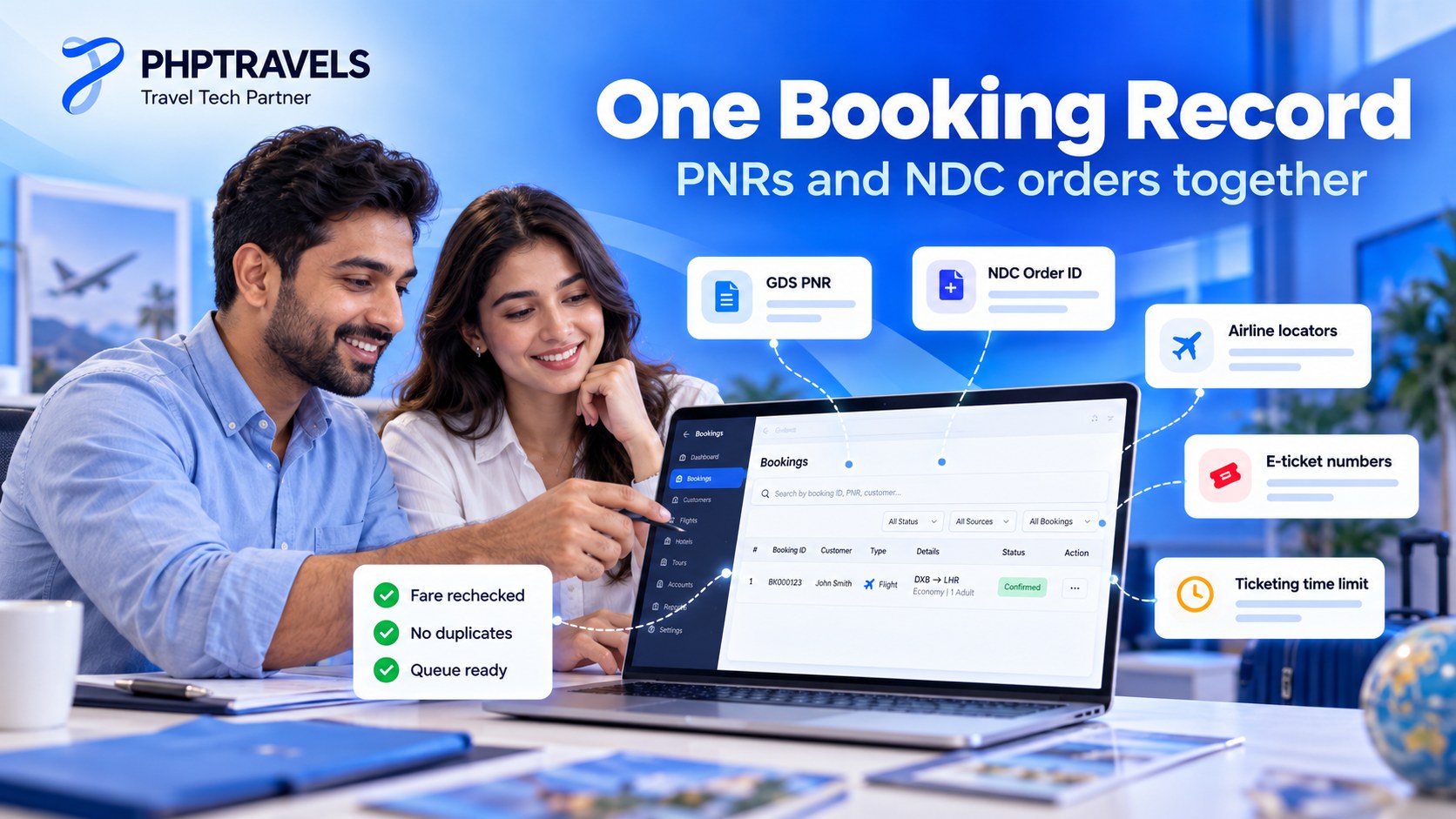
The PNR is not going to last forever. IATA’s ONE Order initiative aims to gradually phase out the separate booking record (the PNR), the e-ticket and the EMD, and replace them with a single customer Order. It builds on NDC, the offer-and-order messaging standard airlines use to sell their own bundles and extras.
In practice the two models will run side by side for years. NDC aggregators already return both: Duffel’s order schema, for example, has an order ID plus a booking_reference field described as the airline’s reference, “sometimes known as a passenger name record (PNR) or record locator”, and a list of every carrier’s booking reference on that order. Your platform has to handle GDS PNRs, NDC orders and low-cost carrier bookings in one booking record. Our NDC vs GDS guide explains why each source behaves differently.
A checklist for handling PNRs in booking software
- Store every reference, not just one. The GDS or order ID, each airline locator, every ticket and EMD number, the supplier reference, fare basis and the hold, confirm and ticketing times.
- Recheck the fare before creating the PNR, and make booking and payment calls idempotent so a retry never creates a duplicate PNR or a double charge.
- Queue the deadlines. Unticketed PNRs approaching their time limit, failed ticket issues and TK schedule changes should land in a queue someone works daily.
- Service from the record. Voids within the airline’s void window, refunds under the fare rules and reissues linked to the original ticket.
- Control access. Role-based permissions on who sees passports and payment data, plus an action history for disputes and ADM checks.
When comparing platforms against that list, look at how each one describes its flight module; this overview of flight booking software treats real-time inventory, PNR management and e-ticketing as the core pieces, which is a sensible baseline.
Where PHPTRAVELS fits
PHPTRAVELS is built around the booking record described above. The flights module supports PNR create and retrieve and ticketing across GDS (Amadeus, Sabre and Travelport through native adapters), NDC and consolidator sources, and low-cost content. It revalidates the fare before payment, uses idempotent booking and payment calls, holds the fare until the ticketing time limit, and stores PNR and e-ticket numbers with the supplier reference, fare basis, baggage and timings on each booking. Ticketing queues collect bookings waiting to be ticketed, failed issues and schedule changes, and voids, refunds and reissues run from the booking itself where the supplier supports them. The airline reservation system view shows every PNR with its fare, payment and ticket status for sales, support and finance teams.
Two honest caveats: you connect suppliers with your own contracts and credentials, and ticketing authority (for example IATA accreditation or a consolidator agreement) is your own arrangement, not something the software grants. You can try the live demo to see a PNR from search to ticket, and estimate your setup on the pricing configurator.
PNR Meaning: Frequently Asked Questions

What is the full form of PNR?
PNR stands for passenger name record. In airline travel it is the reservation record in a GDS or airline system; in Indian Railways it is a 10-digit booking number.
Is the PNR the same as the booking reference?
Usually, yes. Airlines and agencies print the record locator as the “booking reference” or “confirmation code”. The only catch is that one trip can have several: the agency’s GDS locator and a separate locator for each airline.
Is a PNR the same as a ticket number?
No. The PNR is the reservation; the 13-digit e-ticket number proves the fare is paid. A PNR can exist without a ticket, but it will be cancelled if it is not ticketed by the time limit.
Can a PNR change?
The locator normally stays the same when you change flights, seats or contact details. It changes when a passenger is split into a new record, or when a cancelled booking is rebooked as a new PNR.
How long does a PNR stay active?
In the reservation system, until travel is complete, after which it is purged to archive. Copies sent to governments follow their own retention rules: up to five years in the EU and up to fifteen years with CBP in the United States.
Do NDC bookings have a PNR?
Most do today. NDC orders carry an order ID, and airlines or aggregators also return the airline’s booking reference so travellers can manage the trip and check in.
If you sell flights, the PNR is the record your whole operation runs on. To see how one booking moves from search to PNR to ticket on a platform branded as your own, book a PHPTRAVELS demo, and when you are ready to scope suppliers and modules, check PHPTRAVELS pricing.