

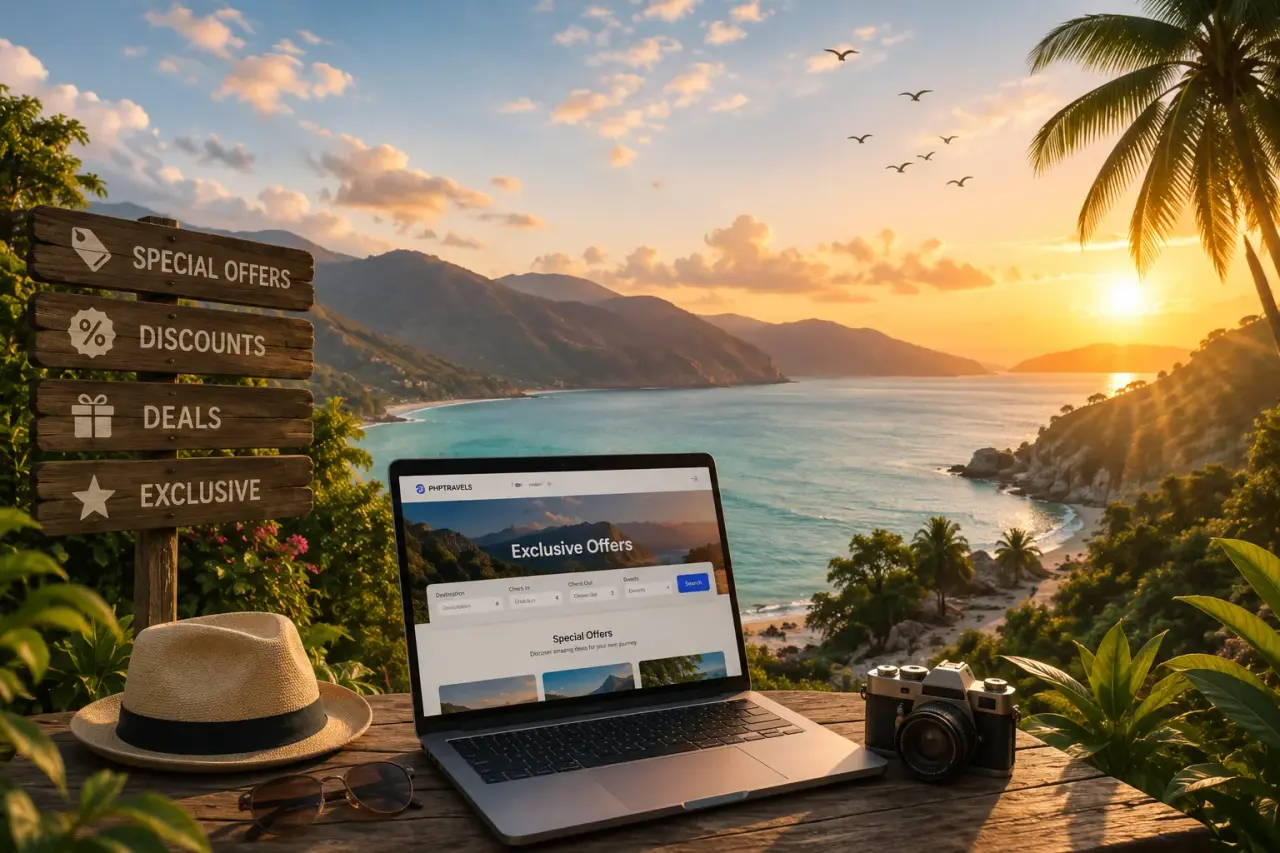
Offers module
Travel deals software that sells packages, not banners
Bundle flights, hotels and transfers into holiday packages, price them against booking separately, add promo codes and flash sales, and publish every deal to your website, agent portal and newsletter from one admin.
- Holiday package offers
- Promo codes and rules
- Flash sale scheduler
- Bookings per offer
Deals storefront
A deals page that shows guests exactly what they get
Each offer card answers the four questions a traveller has before clicking: where, what is included, how much is saved and how long the price lasts.
Deals are built from the same inventory you already sell through the Stays, Flights and Tours & activities modules, so the price on the card is the price at checkout.
- Maldives winter escapeMalé, Maldives · Water villaFlightHotelTransferWas
–From–per personEnds in02d14h09m4 rooms left - Istanbul city breakIstanbul, Türkiye · Old town hotelFlightHotelTransferWas
–From–per personEnds in00d09h42m6 seats left - Alpine ski weekTyrol, Austria · ChaletHotelSki passTransferWas
–From–per personEnds in11d03h00m9 rooms left
Saving ribbon
The percentage off is worked out from the package price against the same products booked one by one, never typed in by hand.
Inclusion chips
Flight, hotel, transfer and extras appear as chips, so guests compare deals at a glance instead of reading the small print.
Live countdown
The timer runs to the offer's end date and the card leaves the page by itself when it reaches zero.
Rooms and seats left
The counter reads the package quota, so the urgency on the card is real and stops at the last unit.
Package builder
Package products you already sell into one priced deal
Pick a flight, a hotel, a transfer or a tour, set the dates the package can be travelled, cap how many you will sell and choose where it is published.
The builder adds up the net cost of each product, applies your markup and shows the guest's saving before you publish, so marketing never promises a price that sales cannot honour.
- 01
Combine products
Add flights, rooms, transfers, tours or extras from your contracts or connected suppliers.
- 02
Set travel dates
Choose the window the package can be travelled and the dates it is on sale.
- 03
Cap the quota
Limit how many packages, rooms or seats can be sold, in total or per day.
- 04
Block blackout dates
Close peak nights, holidays or event dates without editing the whole offer.
- 05
Publish to channels
Send the same deal to your website, your B2B agents and your next newsletter.
Products in this package
- Return flightLHR – MLE · Economy–
- Water villa5 nights · Half board–
- Seaplane transferReturn · Shared–
- Add product
- Net cost
- –
- Markup
- +–
- Package price
- –
Guest saves against booking separately–
November 2026
AvailableBlackout
Publish to
Travel promotions engine
Promo codes with rules your finance team can trust
A travel promotions engine for coupon codes: percentage or fixed value, minimum spend, valid dates, usage limits and the conditions a booking must meet.
Codes are checked at checkout against the cart, the customer and the channel, and every redemption is stored with its booking, so you can see what each campaign really cost.
| Code | Type | Value | Min. spend | Valid | Limit | Used | Status |
|---|---|---|---|---|---|---|---|
| WINTER10 | Percentage | 10% | – | Nov 1 – Dec 31 | 500 | 212 | Live |
| STAY3NIGHTS | Fixed | – | – | Oct 1 – Nov 30 | 1,000 | 318 | Live |
| WELCOME5 | Percentage | 5% | None | Jan 1 – Dec 31 | 2,000 | 864 | Live |
| FLASH30 | Percentage | 30% | – | Sep 14 – Sep 16 | 150 | 150 | Ended |
| EARLY2027 | Fixed | – | – | Dec 1 – Feb 28 | 300 | 0 | Scheduled |
RuleWINTER10
- IfCart contains a hotel
- andStay is 3 nights or more
- andBooked on the website, not by an agent
- ThenTake 10% off the hotel price
- andDo not combine with other codes
- andOnce per customer
Percentage or fixed
Take a share off the total or a fixed amount, in each currency your site sells in.
Usage limits
Cap total redemptions and uses per customer, and the code stops working when the limit is hit.
Stacking rules
Decide whether a code combines with a package price, another code or an agent's commission.
Redemption log
Every use is linked to its booking, customer and discount amount for reconciliation.
Flash sale scheduler
Flash sales that open and close on the minute
Schedule each phase of a sale in advance and the site changes by itself, from the first teaser to the moment the deal expires.
- 01Day 1, 09:00
Teaser
A banner and countdown go up, prices stay hidden and guests can ask for a reminder.
- 02Day 3, 00:00Now
Live
Sale prices unlock on the deal cards, the landing page and at checkout.
- 03Day 4, 18:00
Ending soon
The banner switches to a final-hours message and the countdown turns urgent.
- 04Day 5, 00:00
Expired
Prices return to normal and the page points visitors to your other live deals.
Nobody has to stay up to switch a price at midnight. The scheduler moves the offer between phases and updates the banner, the deal card and the checkout price at the same time.
- Offer views
- 54,710
- Bookings
- 772
- Revenue
- –
- Conversion
- 1.41%
| Offer | Views | Bookings | Revenue | Conversion |
|---|---|---|---|---|
| Maldives winter escape | 18,420 | 212 | – | 1.15% |
| Istanbul city break | 26,980 | 486 | – | 1.80% |
| Alpine ski week | 9,310 | 74 | – | 0.79% |
Offer performance
See which deals sell, not only which get clicks
Views, bookings, revenue and conversion for every offer and promo code, so you put next season's budget behind the deals that actually earn.
Figures come from the bookings in your own database, not from an outside tracker, and can be filtered by date, channel and market or exported for your accountant.
By channel
Compare the same deal on the website, through B2B agents and from email.
By promo code
Discount given, bookings won and revenue left after the discount for each code.
Export
Download the report for finance or for your own spreadsheets.
Placement and landing pages
Every offer shows up where travellers look for deals
Publish once and the deal appears on your home page, gets its own search-friendly landing page and drops into your next email campaign.
Offers sit beside your Newsletter, Blog module and CMS, so a deal can headline a campaign, be linked from a travel guide or be placed on any page you build.
Home page banner
Feature your strongest deals in the hero and order the rest on the offers page.
A landing page per offer
Each deal has its own URL, title, description and structured data, written in every site language.
Email campaigns
Drop a deal block into a newsletter with its photo, price and a link straight to booking.
FAQ
Travel deals software questions
What agencies and tour operators ask before running packages, promo codes and flash sales on their own site.
Talk to salesSoftware that lets a travel business build and sell promotions on its own site: holiday packages made from flights, hotels and transfers, promo codes, and time-limited flash sales, with each offer's bookings and revenue tracked in the same admin.
The builder adds the net cost of each product in the package, applies your markup and compares the result with the same products booked separately. The difference is the saving shown on the deal card.
Percentage or fixed-value codes with a minimum spend, valid dates, a total usage limit and a per-customer limit, plus conditions such as product type, length of stay or booking channel, and whether the code can be combined with others.
Yes. Set a start and end date on each offer and it is published on the first date and removed from the site after the last one, so expired deals never stay online.
You schedule the teaser, live, ending soon and expiry times in advance. The site changes the banner, the deal cards and the checkout price at each step, and returns prices to normal when the sale ends.
Yes. Write each offer in the languages your site supports, including right-to-left, and prices are shown in the currency the visitor selects.
Yes. Every plan includes the full source code under a commercial licence and you host it yourself, so your developers can extend the offers module, its fields and its pages.