
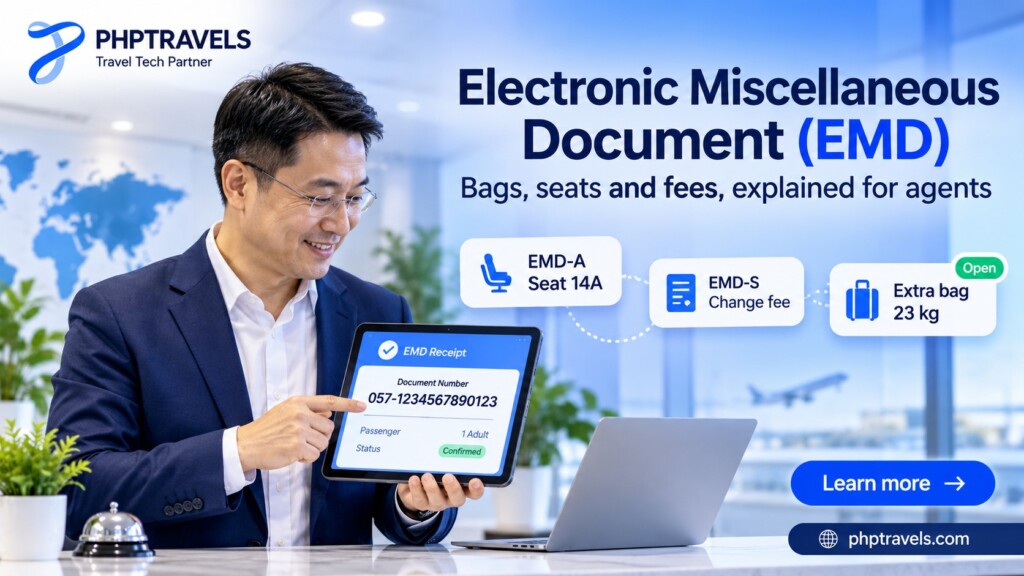
An electronic miscellaneous document (EMD) is the airline industry’s standard electronic record for anything a passenger pays an airline for that is not the flight fare itself: a checked bag, a pre-reserved seat, a lounge pass, a change fee, a group deposit or a leftover value after an exchange. It sits beside the e-ticket, has its own 13-digit number, and is what the airline, the travel agent, the airport and the settlement system all use to prove the extra was paid for and to track when it is used.
Most travellers only meet an EMD as a second number on a receipt. Agents and booking-platform teams handle the harder parts: EMD-A or EMD-S, RFIC and RFISC codes, void and refund windows, and BSP or ARC reconciliation. This guide covers both, sourced from IATA, ARC, airline and GDS documentation.
- What it is: an IATA standard document for optional and ancillary airline services, issued and stored like an e-ticket.
- Two types: EMD-A is tied to a flight coupon on an e-ticket; EMD-S stands alone (fees, deposits, residual value).
- Codes say what was bought: one Reason for Issuance Code (RFIC) per document and a three-character subcode (RFISC) per coupon.
- Rules come from the airline: refundability, validity and which type is used for which service are set by the issuing carrier.
What is an electronic miscellaneous document (EMD)?

IATA’s own customer portal answer describes the EMD as “an official IATA standard document to facilitate fulfillment of optional/ancillaries services”. It is used for airline sales made directly or through travel agencies connected to a global distribution system (GDS), for delivering the service at the airport, and for revenue collection in the airline’s revenue accounting system. The standard lives in the IATA Passenger Services Conference Resolutions Manual, in Resolutions 725f, 725g and 725h.
The same IATA answer explains why the format feels familiar: an EMD “works like an e-Ticket”. A standard document is issued, the customer gets a receipt, and the value coupons are stored in an electronic record in the airline’s system. If you already know how an e-ticket is issued and used, you know most of the EMD lifecycle.
Why airlines needed a second electronic document
An e-ticket records one kind of sale: carry this passenger from A to B for this fare and these taxes. Once airlines unbundled bags, seats and meals, they needed a way to sell and track extras through every channel, including agencies. The older answer was the paper or virtual Miscellaneous Charges Order (MCO).
The EMD replaced it. Delta’s agency policy page calls it the replacement for existing miscellaneous documents such as the MCO, MPD and tour order for agencies in IATA’s Billing and Settlement Plan. According to the Wikipedia summary of the IATA programme, virtual MCOs left IATA BSP in January 2014, and from 1 November 2014 BSP has supported only EMDs and e-tickets. ARC in the United States notes that EMDs will eventually replace the remaining paper MCOs as well.
What an EMD number looks like
Like a ticket number, an EMD number has 13 digits: the airline’s three-digit numeric code followed by a 10-digit document number. Amadeus’ EMD display guide shows exactly that format and shows an EMD holding coupons 1 to 4, with conjunction documents used when more coupons are needed. Because both documents share the same shape, look at the document type on the receipt or in the record rather than guessing from the digits.
EMD-A vs EMD-S: associated and standalone EMDs

Every electronic miscellaneous document is one of two types, depending on whether it is tied to a flight coupon on an e-ticket.
| EMD-A (associated) | EMD-S (standalone) | |
|---|---|---|
| Linked to | A flight coupon on an e-ticket, at coupon level | Nothing automatically; may reference a ticket in the “issued in connection with” field |
| Typical uses | Paid seat, extra bag, upgrade or upsell for a specific flight | Change or cancellation fee, group deposit, residual value, ground transport |
| When it counts as used | When the associated flight coupon is flown (lifted) | When the airline delivers or applies the service |
| Exchange | Not exchangeable; disassociated when the e-ticket is exchanged | Can be exchanged, started in the GDS |
| Void or refund | Must be voided or refunded separately from its e-ticket | Voided or refunded on its own, under airline rules |
ARC’s EMD overview says an EMD-A is “linked to an electronic ticket at the coupon level”, that a single ticket can carry several EMD-As, and that an EMD-A coupon is considered used once its flight coupon is used. The same page lists ground transportation, deposits and residual value as EMD-S uses. American Airlines’ agency guidance gives seat assignment payments and instant upsells as EMD-A examples.
Two practical points trip up new agents:
- The airline decides which type applies. ARC notes that bags and seat upgrades are more likely to sit on an EMD-A, but whether a given service is issued on an EMD-A or EMD-S depends on the individual airline. Check the carrier’s agency pages or the GDS fact sheet before you promise a traveller anything.
- An EMD-S for a ticket-related fee still needs the ticket number. American and Delta both require agencies to fill in the “issued in connection with” field with the related ticket number so audit systems can cross-reference the fee with the ticket.
Validity is carrier-specific too. Delta states that its EMDs of both types are valid for one year from the date of issue and cannot be replaced if lost or stolen.
RFIC and RFISC codes: how an EMD says what was bought
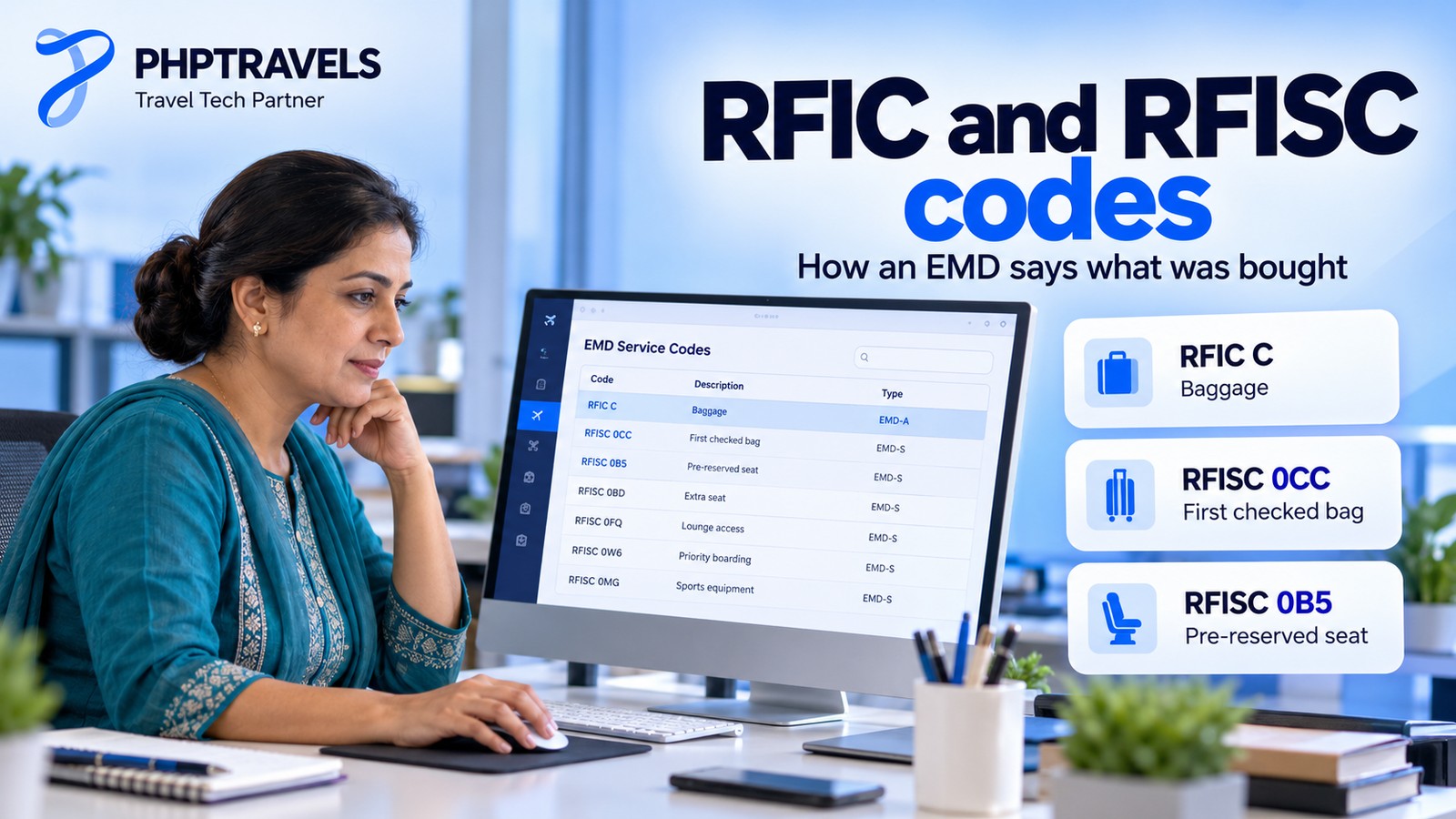
An electronic miscellaneous document does not just carry an amount. It carries codes that tell every system what the money was for. ARC sets out the rule: each EMD is issued with exactly one Reason for Issuance Code (RFIC), a single character that defines the document, and each coupon carries a Reason for Issuance Sub Code (RFISC) of three characters describing the actual service. Coupons on one EMD can have different subcodes as long as they belong to the same RFIC group.
| RFIC | Group | Typical services |
|---|---|---|
| A | Air transportation | Upgrades and other flight-related purchases |
| B | Surface transportation / non-air services | Rail, bus or transfers sold by the airline |
| C | Baggage | Prepaid or excess bags |
| D | Financial impact | Change fees, deposits, residual value |
| E | Airport services | Lounge access, priority services |
| F | Merchandise | Items sold by the airline |
| G | In-flight services | Meals, Wi-Fi, entertainment |
| H | Reserved for future ATPCO use | – |
| I | Individual airline use | Carrier-specific services |
RFIC letters and group names from ARC; the “typical services” column is an illustration. Airlines choose which RFIC each service uses.
Subcodes are maintained by ATPCO as the “Optional Services industry subcodes”. IATA’s airline data model entry for the RFISC code lists examples such as 0CC (first checked bag), 0B5 (pre-reserved seat assignment), 0B3 (meal or beverage), 0BX (lounge), 0B1 (in-flight entertainment) and 0G6 (priority boarding).
ATPCO reserves subcodes beginning with 98 or 99 for services outside its Optional Services product. That is where many EMD-S fees and value transactions sit. Examples published by carriers and ARC:
993reservations change fee and997group deposit (American Airlines, which issues its EMD-S documents under RFIC D).996refundable balance,99Iresidual value and98Enon-refundable amount (ARC, for residual-value EMDs linked to an exchange).
These codes tell the airline what to deliver and how to book the revenue, and they are what your own reports should group extras by. An invoice line that says only “EMD, 45.00” cannot tell a seat from a change penalty six months later.
How an EMD is issued: from paid extra to used coupon
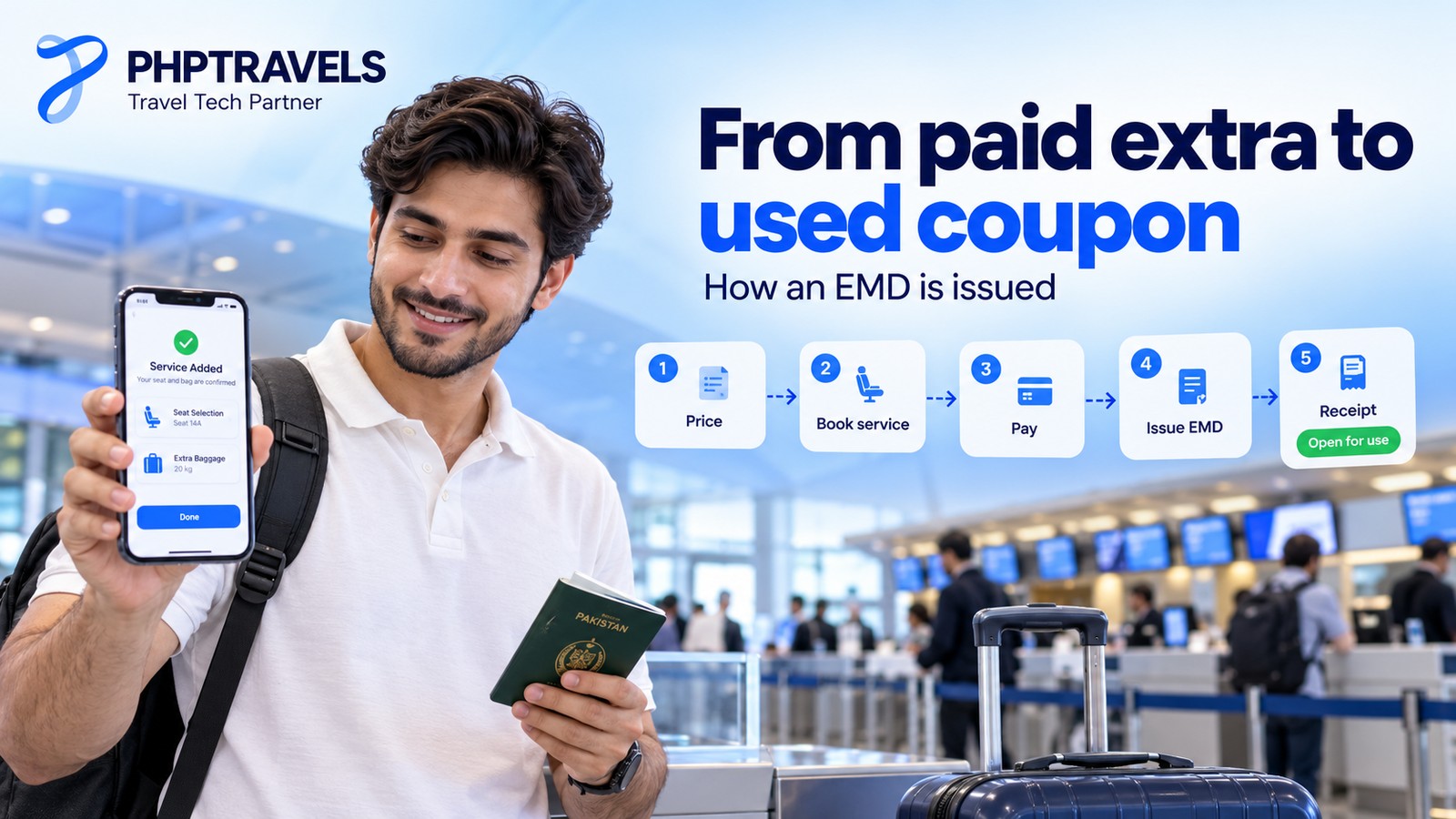
Here is how an electronic miscellaneous document is created in a common case: a traveller with a ticketed return booking asks their agent to add a 23 kg extra bag and a paid seat on the outbound flight. The steps are generic; exact entries differ by GDS and airline.
- Price the service. The airline publishes the extra and its price, either as ATPCO optional services data that the GDS reads or inside an airline offer over an NDC connection.
- Add it to the booking. The service is booked as a service element in the PNR. Travelport’s EMD Manager help shows this as service segments: SVC segments for standalone services and ASVC segments for services that will become EMD-As, with the carrier required to support EMD-S in that country.
- Take payment. By default the EMD uses the PNR’s form of payment; Travelport lets the agent override it per service.
- Issue the EMD. Issuing creates the 13-digit EMD number and the coupons, each with its RFISC. In Travelport the issued services show the status “OPEN FOR USE”. An EMD-A is linked to the outbound flight coupon of the existing e-ticket.
- Send the receipt. The traveller gets an EMD receipt (Travelport’s emailed version is called an Additional Services/Fees Receipt). It is separate from the e-ticket receipt, which is why travellers sometimes see two documents.
- Deliver and close. When the traveller checks in and the outbound flight coupon is flown, the associated bag and seat coupons are treated as used. Coupon status in the airline record moves from open to used, or to exchanged or refunded if the plan changes.
After this, the agent’s own record should hold the ticket number, the EMD number, the coupon numbers, the RFIC and RFISC, the amount, the form of payment and the link between EMD and ticket coupon. Here is what that looks like for the example (numbers are illustrative):
| Document | Number | Type / RFIC | Coupon and service | Linked to | Status |
|---|---|---|---|---|---|
| E-ticket | 000-1234567890 | Ticket | C1 outbound, C2 return | PNR | Open |
| EMD | 000-1234567891 | EMD-A / C | C1 extra bag (23 kg) | Ticket coupon C1 | Open |
| EMD | 000-1234567892 | EMD-A / A or G (airline choice) | C1 pre-reserved seat (0B5) | Ticket coupon C1 | Open |
The bag and the seat end up on separate EMDs here because each EMD carries only one RFIC, and baggage (C) is its own group. ARC gives this exact pairing, a checked bag and a seat assignment, as a case where one ticket needs multiple EMDs. Agents can look an EMD up later by number, passenger name or PNR. Amadeus, for example, uses the EWD entry to display the record and EWH for its coupon-by-coupon history.
EMD vs e-ticket vs MCO vs EMD receipt

Four documents get mixed up in support requests:
| Document | What it proves | Number | Where it is used |
|---|---|---|---|
| E-ticket | The right to be carried on the flights at the fare paid | 13 digits (airline code + 10) | Check-in, boarding, BSP/ARC settlement |
| EMD | Payment for an extra service or fee | 13 digits (airline code + 10) | Airport delivery, revenue accounting, BSP/ARC settlement |
| MCO (legacy) | The older paper or virtual document for miscellaneous charges | Varies | Removed from IATA BSP; being phased out elsewhere |
| EMD receipt | The customer’s copy showing the EMD number, service and amount | Shows the EMD number | Given to the traveller; not itself the record |
Where travellers find their EMD number: on the EMD receipt emailed after purchase, and on some airlines’ manage-booking pages next to the ticket details. If they bought through an agency, the agent can display it from the PNR. Keep it handy when querying a bag or seat charge, because the booking reference identifies the trip while the EMD number identifies the exact payment.
Two common misunderstandings:
- An EMD is not a ticket. It cannot be used to board a flight on its own. An EMD-A only has value alongside its flight coupon.
- Not every extra becomes an EMD. A bag or seat included in a branded fare is paid for in the fare on the e-ticket, so there is normally nothing separate to document.
Voids, refunds, exchanges and BSP or ARC reporting

Servicing is where agencies lose money on EMDs, because an EMD follows its own rules, not the ticket’s. ARC says EMDs are subject to the issuing airline’s rules for that service, including whether the EMD is refundable.
Voids and refunds
- Void window: American allows voids on both EMD types within the standard ticket void window. Outside it, most American EMD-S services are non-refundable, with few exceptions.
- Who can refund: at American, only the pseudo city code (agency office) that issued the EMD can refund it. For some refund types American requires its own refunds process, and processing those directly through ARC or BSP “may result in a debit memo”.
- Do it in the GDS first: ARC recommends voiding or refunding in the GDS so the airline’s EMD database is updated, and notes that refunds, voids and exchanges of EMDs need an ESAC (electronic settlement authorization code).
Exchanges and the EMD-A trap
The most common error comes when an e-ticket is changed. ARC’s EMD FAQ explains that an EMD-A is not exchangeable. When its e-ticket is exchanged, the EMD-A is automatically disassociated, and only the airline can re-associate it with the new ticket. When an e-ticket is voided or refunded in ARC’s IAR system, any associated EMD-A must be voided or refunded separately. Refund the ticket but forget the seat EMD, and the traveller is short and your books no longer match the airline’s.
Exchanges can also create EMDs. If an old non-refundable ticket is worth more than the new one and the airline allows it, the difference can go on a residual value EMD. Delta’s policy notes that the GDS can create a refundable-balance EMD-S automatically during the reissue.
Settlement and reconciliation
EMDs settle through the same channels as tickets. In IATA BSP they are reported with e-tickets (see our guide to IATA BSP for the settlement cycle). In the US, ARC shows them in IAR sales reports with transaction types ES (standalone) and EA (associated), and has assigned the form code range 8300 to 8959 to GDS-issued EMDs. EMDs issued through airline direct connections typically start with a 4, though this varies by provider.
For reconciliation, match three lists every period: EMDs issued in the GDS or supplier logs, EMDs billed in the BSP or ARC report, and the ancillary lines on your customer invoices. Keeping the EMD number, RFISC and linked ticket on the same invoice line in a CRM that tracks invoices, dues and payment reconciliation turns an unmatched debit into a two-minute lookup instead of an afternoon of searching PNR histories.
EMDs in NDC, booking software and the move to ONE Order

NDC offers and orders
The EMD comes from the PNR-and-ticket world. IATA’s New Distribution Capability changes how extras are sold: the airline returns offers that already include its bundles and ancillaries, and the seller creates an order. If you need the background, read our comparison of NDC vs GDS.
IATA’s ONE Order page describes the initiative as “gradually phasing out” the booking record (PNR) and the ticketing records, e-tickets and EMDs, and replacing them with a single customer order. It is part of IATA’s Modern Airline Retailing programme, which aims for 100% offers and orders. Until an airline fulfils orders natively, an extra bought through an NDC order may still be fulfilled with an EMD in the airline’s back end. For agencies, that means a booking platform has to handle both: PNR, ticket and EMD numbers for GDS bookings, and order IDs for NDC bookings.
Bundles add a second wrinkle. Airlines increasingly sell fare families, where a standard fare includes a bag and seat and a basic fare does not. Travel Booking Panel’s flight module page describes this basic, standard and flexible pattern from the seller’s side. When the bag is in the fare there is no EMD, so a booking engine has to show clearly whether an extra is included or will be charged separately.
What booking software should do with EMDs
- Show extras before payment with the airline’s own prices per traveller and per segment.
- Store document numbers with the booking: ticket numbers, EMD numbers and supplier references on one record, with the link between each EMD and its flight coupon.
- Treat ticket changes as EMD events. Any exchange, void or refund of a ticket should prompt a check of the associated EMD-As.
- Queue failures. A paid extra that did not issue becomes a complaint at the airport, so it belongs in a work queue.
- Report ancillaries by type (bags, seats, fees) using the service codes, so revenue from extras is visible next to fare revenue. Our guide to ancillary revenue in travel booking covers what to measure.
Where PHPTRAVELS fits
PHPTRAVELS is booking software for agencies, OTAs and consolidators. It connects to the supplier accounts you hold; it does not supply airline content or ticketing authority. According to its flights module page, the booking flow includes seat maps built from the supplier’s live seat map, extra baggage and meal choices. Where the supplier supports it, travellers and agents can add seats and bags after booking, and your team can do it from the admin. Each booking keeps the PNR, ticket numbers, supplier reference, fare basis and baggage together. Tickets can be voided, refunded or reissued from the booking, and bookings awaiting ticketing, failed issues and schedule changes go into queues.
How EMD numbers for those extras come back to the booking depends on the supplier connection and the airline, whether that is a GDS such as Amadeus, Sabre or Travelport or an NDC aggregator. Check the integrations page for current suppliers, then test a seat and bag purchase on your own routes in the PHPTRAVELS demo. You can configure modules and suppliers on the pricing page.
Electronic miscellaneous document FAQ
What does EMD stand for in airlines?
Electronic miscellaneous document: the IATA standard record for optional services and fees paid to an airline, separate from the flight ticket.
Can an EMD be refunded?
Only if the issuing airline’s rules for that service allow it. Voids inside the void window are the safest route; many fee-type EMD-S documents are non-refundable after that.
How long is an EMD valid?
It depends on the airline. Delta, for example, states one year from the date of issue for both EMD types. Check the carrier’s rules for anything holding value, such as residual value or deposits.
Where do I find my EMD number?
On the EMD receipt sent after purchase, on the airline’s manage-booking page if it shows document details, or from your travel agent, who can display it from the booking record.
Can EMDs be used across airlines?
The EMD standard supports interline use, as e-tickets do. Whether a partner airline honours a given service depends on the agreements between the carriers.
Key takeaways
- An electronic miscellaneous document records paid airline extras and fees. It is issued and settled like an e-ticket, but it is not a ticket.
- EMD-A follows a flight coupon; EMD-S stands alone for fees, deposits and residual value.
- Most EMD losses come from servicing: treat every ticket exchange, void or refund as an EMD check, and reconcile EMDs against BSP or ARC.
- To see how extras, ticket numbers and servicing queues work in a booking platform, book a PHPTRAVELS demo.