For any business involved in the tourism sector, productivity is the foundation of success. You can have the most compelling ads, you can get hundreds of requests per day, but unless you find a way to work quickly, none of it will matter.
Boosting your travel agency productivity can start with something as basic as optimizing your computer for daily operations. The first step is getting a MacBook since these devices are known for their durability and immense potential. Whatever operations you need to do, however much you need to multitask, a Mac will supply you with everything.
How to optimize it, though? See the tips below, and watch your performance improve.
Three Mac Optimization Steps for Travel Agents
We distinguished three steps every travel agent should consider to give their productivity a real kick.
Step 1: Do a Basic Performance Check
The first step is to check how well-behaved your computer is. No device is flawless, not even Macs, which are faster and more productive than other systems.
A travel agent is someone who needs to do many things simultaneously, such as checking travel restrictions while on a Zoom call with a client, troubleshooting last-minute changes, uploading new records, etc. Ideally, Mac should endure all these processes perfectly, offering the speed and agility you require, but what if it freezes? It might also start to glitch every now and then, slowing you down and annoying you and your client.
Fortunately, very often, it’s enough to apply a couple of universal solutions. You can take simple steps to fix a slow Mac even when you aren’t sure of the root cause. The fault might lie with your browser; you might be using too many apps that consume a large part of your resources; your storage might be bursting with data, and so on.
If basic solutions don’t help, do a performance check.
- Assess your storage. An overstuffed Mac drive always leads to slow performance. Check how much space you have left; use cleaners to take care of clutter with minimal personal involvement.
- Review startup apps. Travel agents use a ton of programs, such as booking, CRM and itinerary tools. They work well on Mac, but many of them launch automatically. Disable them to reduce boot time.
- Install updates right away. People hate installing updates, but if you want to keep your productivity at a high level, you should do it anyway. It will improve your Mac’s performance and fix small bugs.
Restart your device at least several times a week instead of putting it into deep sleep. Macs appreciate this; it will keep your data and settings refreshed, and whatever temporary glitches might be slowing you down will disappear on their own.
Step 2: Get Your Tabs in Order
Most travel agency operations are done online. Agents work with booking platforms, airline and hotel websites, transportation services, tour operators, etc. Naturally, many choose to leave all these tabs open for quicker access.
Each tab consumes your RAM. Different Mac models have different capacities:
- MacBook Air can handle up to 15 tabs without slowing down.
- MacBook Pro 13 works fine with 12 tabs.
- The latest MacBook Pro models can handle 20+ tabs.
However, even if your Mac keeps working properly, the more tabs you have open, the harder it is to find the site you need, especially when you have to do it quickly. So, keep only the most vital tabs active: there shouldn’t be more than 13. Create a document with clear structure, put the links you need in there, and consult it whenever you want to access something.
Step 3: Explore Mac Features for Multitasking
Online sales contribute to at least 70% of revenue in the global tourism industry. Clients have all kinds of requests, so travel agents are always busy multitasking. You might need to compare flights, check hotel reservations, and respond to a client at the same time.
Mac already provides you with everything you need; the more you learn about its features, the more productive you will be. Some tips:
- Discover common keyboard shortcuts on Mac, like Control + Up Arrow to see all open windows, Ctrl + T to open a new tab, Ctrl + S to save a document, etc.
- Explore Split View on Mac: this will help you compare your travel itineraries with emails side by side.
- Use Mac’s Spaces to create virtual desktops for each separate task, like booking and brainstorming.
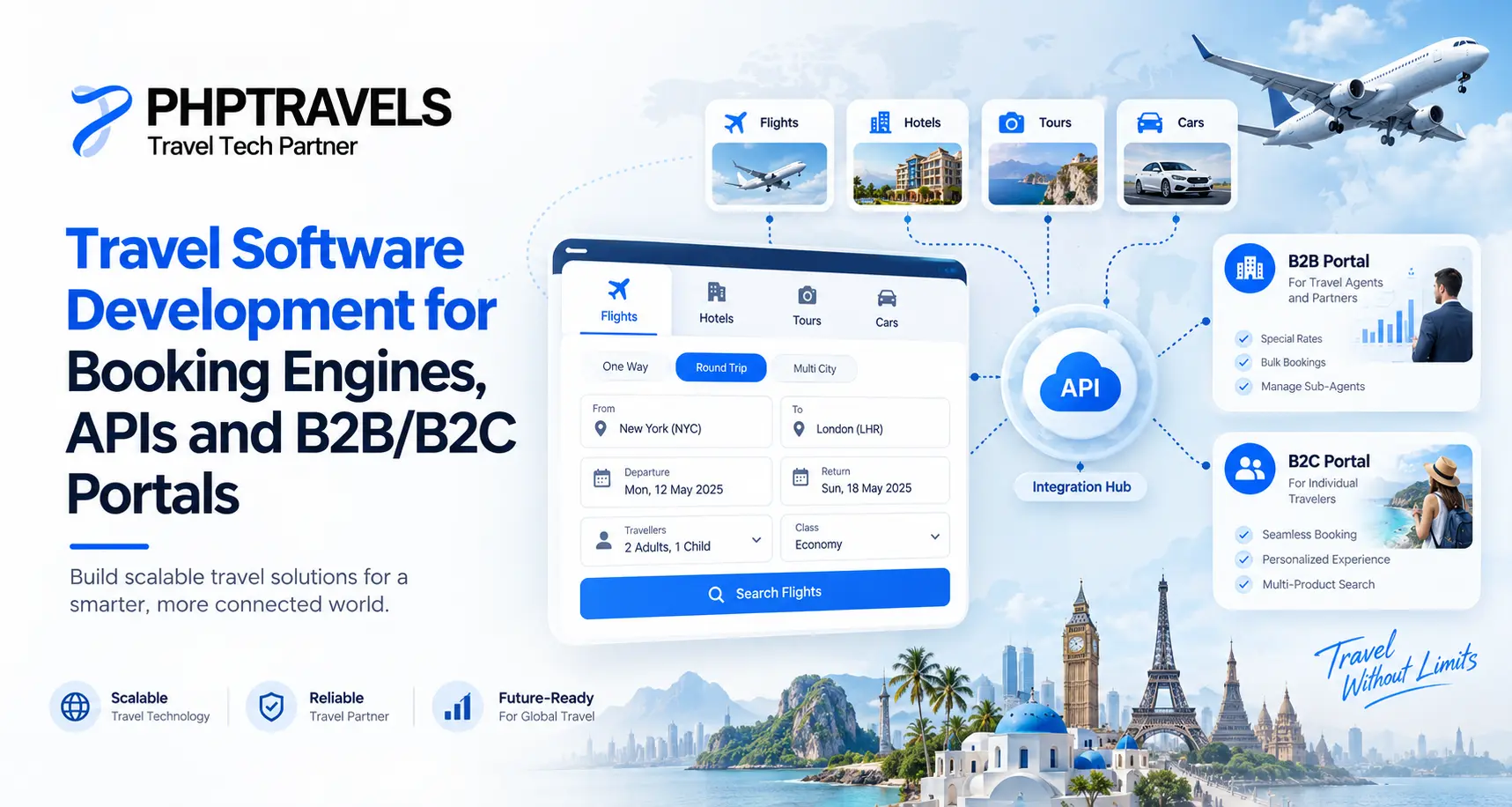
Finally, turn to AI to automate repetitive tasks, such as entering a client’s name, contact details, and booking information. See PHPTRAVELS features.
Keep Your Devices Optimized to Work Confidently
Being a travel agent is challenging by itself, and when the industry is overflowing with new technologies, it’s easy to start lagging behind, losing bits of your productivity here and there. The good news is, as long as you apply minimal effort, you can catch up in no time; just make sure to get a good device like a Mac and keep it up and running.
Optimize your Mac properly; use cleaners to get rid of the ghosts of data you no longer need. Choose the best travel agency software and delete the apps you don’t really open. Keep your browser organized, Google new Mac multitasking tips at least once every 3 months, and you’ll complete your work faster than ever before. Review the PHPTRAVELS travel agency CRM.