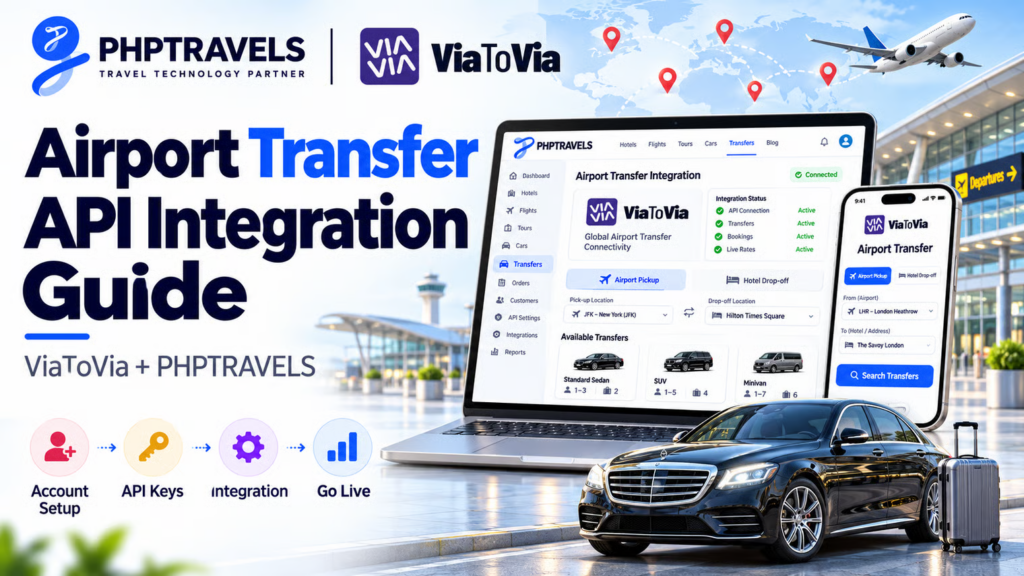
ViaToVia is a UK-registered B2B transfer marketplace that connects local transportation companies with travel agencies, OTAs, hotels, DMCs and corporate travel partners. PHPTRAVELS now ships a native ViaToVia airport transfer API integration inside its Cars module, so an agency can add its ViaToVia API key, switch the module on, and sell live private airport transfers to B2C customers and B2B agents at its own markup.
This guide covers who ViaToVia is, what a transfer API actually lets you sell, what the PHPTRAVELS integration does, and the exact steps from sandbox key to first live booking. The full technical reference is the official PHPTRAVELS ViaToVia documentation; this article explains the business context around it.
Who ViaToVia is

ViaToVia runs two things: a consumer-facing marketplace where travellers book rides, and a partner API for businesses that want to resell those rides. The legal entity is VIATOVIA GROUP LIMITED, registered in England and Wales under company number 17021258, with its registered address at 6A Hogarth Place, London SW5 0QT, United Kingdom (per the ViaToVia company page).
The model is a marketplace, not a single fleet. ViaToVia aggregates local transport operators and exposes their vehicles through one booking layer. On its company page, ViaToVia says suppliers go through licence checks, insurance verification and fleet inspections, followed by ongoing performance reviews, and that low performers are removed.
ViaToVia publishes different network figures on different pages, so it is worth quoting each one with its source rather than blending them:
| ViaToVia page | Figures stated |
|---|---|
| Company | 190+ countries, 6K+ vetted suppliers, 60K+ happy travellers, 99.2% on-time rate |
| Developers | 156 countries, 900+ airports, 5,000 suppliers, 99.99% SLA |
| Transfer API | 150+ countries, 99.9% uptime SLA, 24/7 support |
If coverage in a specific city matters to your business, confirm it with ViaToVia directly (the transfer API page lists api@viatovia.com) before you market it.
Booking API vs Fleet API
ViaToVia’s developer portal separates two products. The Booking API is for travel professionals: real-time vehicle search, instant booking confirmation and booking lifecycle management. The Fleet API is for transport companies that want to put their own vehicles onto the ViaToVia network. The PHPTRAVELS integration is a Booking API client: it searches, books and manages transfers. It does not use the Fleet API and does not add your own vehicles to ViaToVia.
ViaToVia also offers its own affiliate links and widgets as a faster, no-code alternative to the API. Those are ViaToVia products, separate from PHPTRAVELS; the integration described here is a full API connection that keeps the customer on your own website.
What you can sell with a transfer API

ViaToVia lists these services on its company page: airport transfers, airport pickup, chauffeur services, limo services, shuttles, and custom point-to-point city rides. The PHPTRAVELS integration focuses on the airport transfer slice of that catalogue.
It helps to be precise about what an airport transfer is, because three very different products are often confused:
- Airport transfer (this integration): a pre-booked private ride with a driver, from the airport to a hotel or address, or the reverse. Price is fixed at booking, and the driver meets a specific flight.
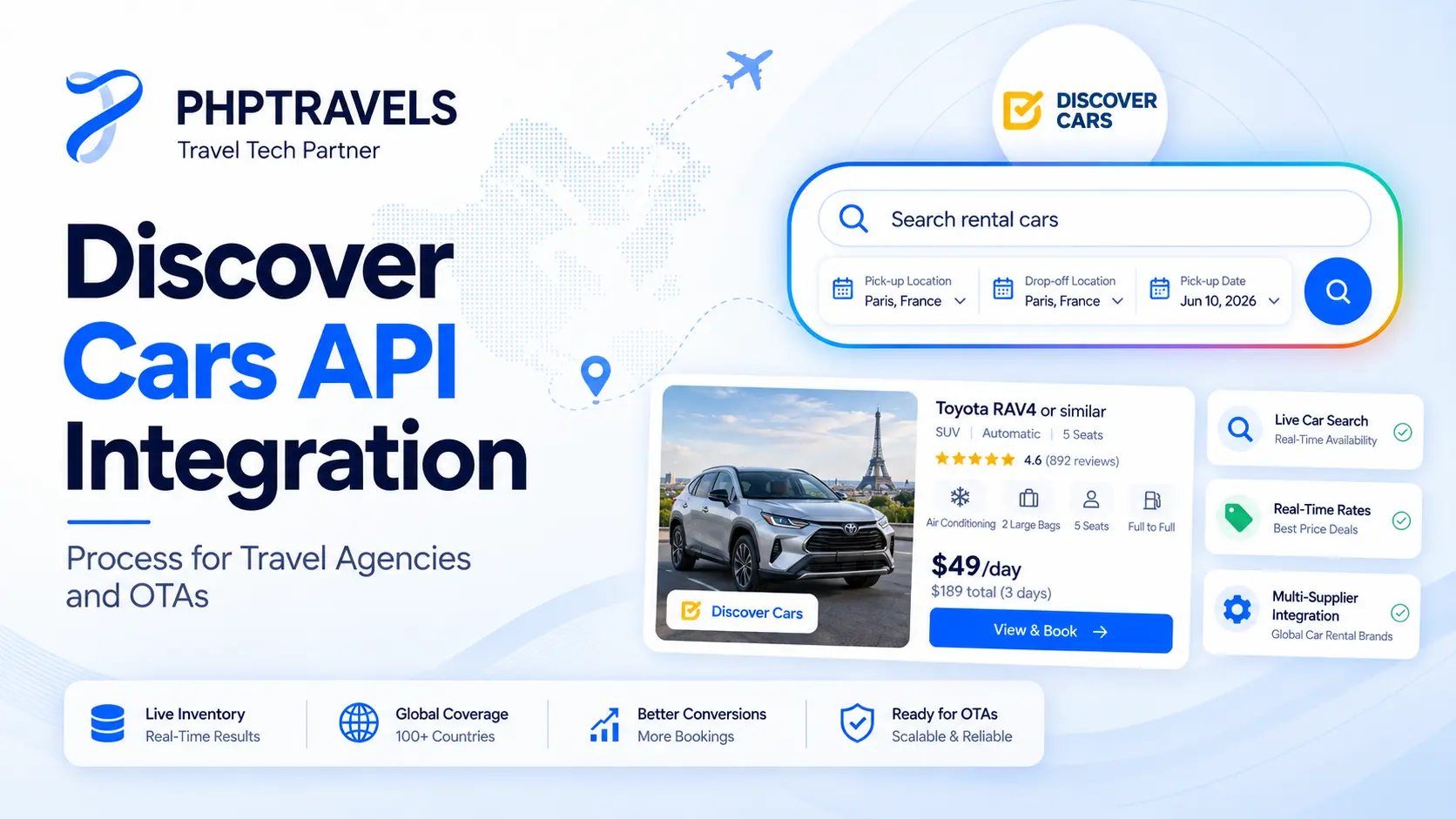
- Self-drive car rental: the traveller picks up a car and drives it. That is a different supply chain, covered by suppliers such as Discover Cars; see our Discover Cars API integration guide.
- Self-transfer flights: two separate flight tickets connected by the traveller, with no ground transport involved. That topic has its own guide to self-transfer flights.
For agencies, transfers are an easy attach product. The traveller already has a flight and a hotel; the gap is the ride between them. Selling it in the same checkout raises basket value and removes a common arrival-day complaint. For a broader view of the commercial side, read how travel agencies can sell airport transfers online.
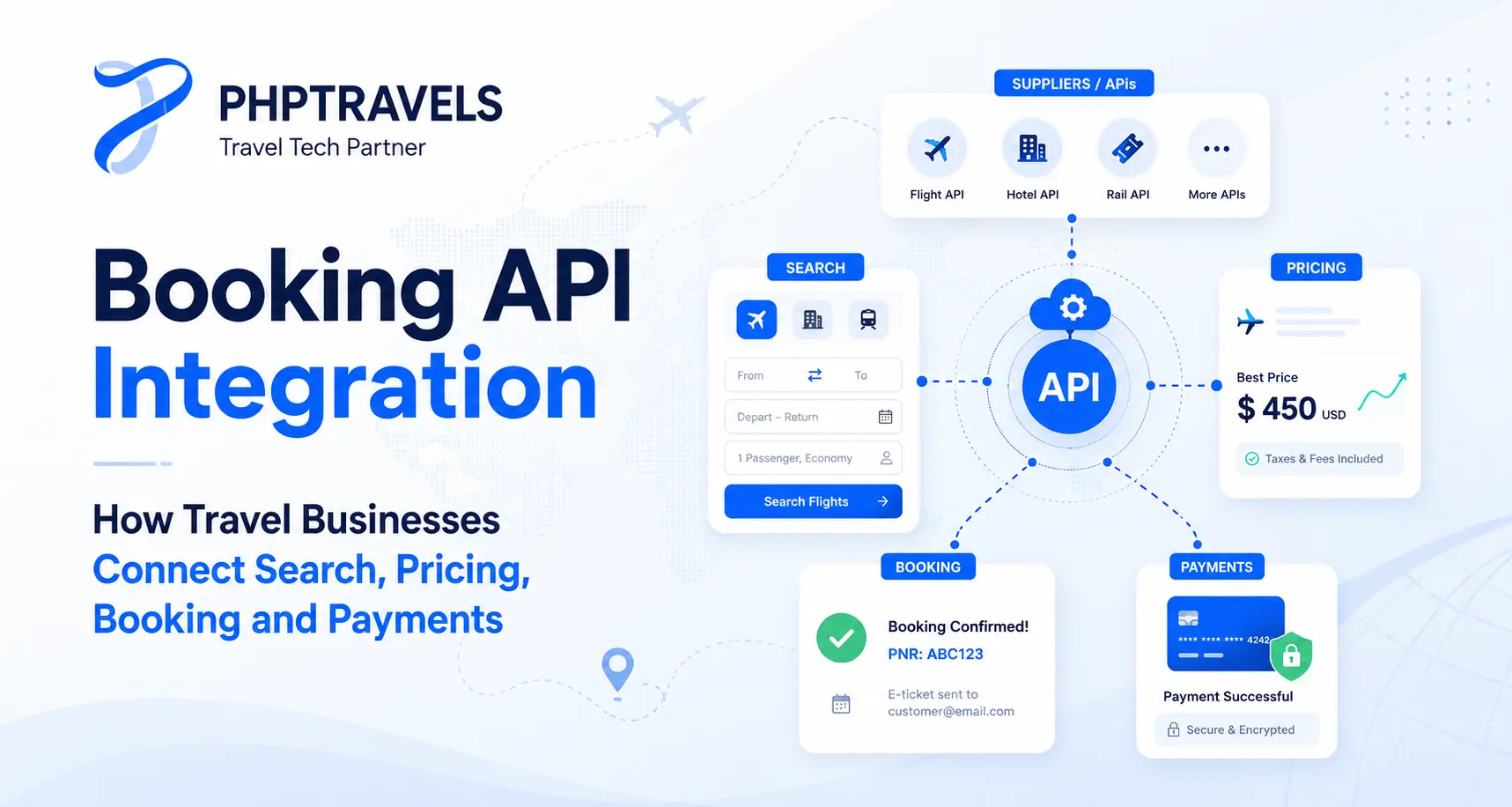
A transfer API matters because inventory, prices and confirmations change constantly. Holding static rate sheets for hundreds of local operators is not practical. An API returns live vehicles and prices for the exact route and time the customer searched, and confirms the booking with the operator automatically.
What the PHPTRAVELS ViaToVia integration includes

According to the PHPTRAVELS ViaToVia docs, the integration lets you:
- Search real-time one-way and round-trip airport transfers
- Show vehicles with photos, passenger and bag capacity, ride time and cancellation terms
- Collect flight numbers, luggage details and paid extras such as a child seat
- Book automatically with ViaToVia after the customer pays
- Show the driver’s details on the invoice and voucher
- Cancel bookings from the admin panel
It runs in both channels. B2C customers search without logging in; B2B agents log in first and use the same search box, each seeing prices with their own markup applied. ViaToVia sits alongside the other transfer and car suppliers PHPTRAVELS supports, including Mozio (see the PHPTRAVELS Mozio airport transfer integration) and Kiwitaxi, and ViaToVia is listed on the PHPTRAVELS integrations page.
One commercial point to understand up front: PHPTRAVELS provides the software connection, not the inventory. You need your own approved ViaToVia partner account and API keys, and your commercial terms are between you and ViaToVia. PHPTRAVELS does not take a cut of your bookings.
If you are still choosing a platform to sit underneath supplier connections like this, an overview of what a travel booking engine does for an agency is a useful starting point before you compare modules.
How to get an API key and connect the module

Step 1: Get your ViaToVia API key
- Apply for a partner account at viatovia.com.
- ViaToVia reviews the application and gives you sandbox access.
- In your ViaToVia account, go to Profile > Developer and copy the API key.
Sandbox and live use different keys. ViaToVia issues the production key after it reviews your test bookings.
Step 2: Configure the module in PHPTRAVELS
- In the admin panel, open Settings > Modules > Cars > ViaToVia.
- Paste your API key.
- Set Environment to Development (sandbox) or Production (live).
- Set Status to Active.
- Set the module currency to USD, EUR or GBP.
- Click Save Configuration, then Test API Connection.
You should see a successful connection message, and ViaToVia vehicles should start appearing in airport transfer searches.
Three rules from the docs save support tickets later:
- One end of every trip must be an airport: airport-to-city, city-to-airport, or a round trip.
- The sandbox only returns results for Amsterdam Airport Schiphol (AMS) and Amsterdam. An empty search for any other city in sandbox is expected, not a bug.
- A saved API key is never displayed again. Leave the field empty to keep the current key, or paste a new one to replace it.
How to set B2C and B2B markup

Markup lives at Settings > Modules > Cars > ViaToVia > Markup & Tax. You set B2C (customer) and B2B (agent) markup separately, choose Percentage or Fixed Amount for each, and optionally add tax.
The docs give this worked example on a ViaToVia price of USD 50:
| Channel | ViaToVia price | Markup | Selling price |
|---|---|---|---|
| Customer (B2C) | USD 50.00 | 10% | USD 55.00 |
| Agent (B2B) | USD 50.00 | 5% | USD 52.50 |
Keep B2B markup lower than B2C so your agents have room to add their own profit when they resell to their clients.
Pricing is pulled from ViaToVia in real time, and every user sees the price with the markup for their channel. Before a booking is placed, the price is re-checked on the server, so a transfer is never sold below cost if the supplier price moves between search and checkout.
How search, booking, and driver details work

Search
The customer or agent picks Airport Transfer, chooses One Way or Round Trip, enters From and To (for example, Amsterdam Airport Schiphol to Amsterdam), the pick-up date and time, driver’s age and number of travellers. Results show vehicles with photos, specifications and prices, with filters for price, vehicle type, passengers and free cancellation.
Booking
- The customer selects a vehicle.
- They enter traveller details and the flight number with airline code (for example, KL1234). The two-letter airline designator matters because the driver uses it to track the arrival; an airline codes directory helps if staff are unsure of a carrier’s code.
- They add luggage and any extras.
- They pay. B2C customers use the site’s payment gateways, such as Stripe or PayPal. B2B agents can use gateways, their agent wallet balance, or their credit limit.
- The transfer is booked with ViaToVia automatically.
What the customer receives
- A ViaToVia reservation number starting with VIA-
- A status of Pending, which changes to Confirmed once ViaToVia approves the booking
- The driver’s name, phone number and number plate on the invoice and voucher once assigned
A round trip creates two reservations, one outbound and one return. All bookings are stored in the admin panel under Bookings > Cars.
Managing bookings in admin
- Issue Booking: books manually with ViaToVia if the automatic booking did not finish. It never books twice.
- Cancel Booking: cancels with ViaToVia after you enter a reason; the customer receives a cancellation email.
- Void: marks a booking made by mistake.
Status and driver details also refresh whenever the invoice is opened.
How to test in sandbox and go live

Keep the status cron running
Transfers are confirmed asynchronously, so PHPTRAVELS uses a cron job to poll supplier status:
*/5 * * * * curl -s https://yourdomain.com/supplier_status_check > /dev/null
The same command is visible under Settings > Automation. It makes sure pending bookings move to Confirmed, driver details are added, and customers are notified if ViaToVia cancels a ride. Without it, vouchers can sit in Pending even after the supplier has confirmed.
Go-live checklist
- In sandbox, make the test bookings ViaToVia asks for, for example one airport-to-city, one city-to-airport, and one cancellation.
- Send ViaToVia the VIA- reservation numbers, found under Supplier details on each invoice.
- Receive your production API key.
- Paste it into the module and set Environment to Production.
- Click Test API Connection.
- Run one live search to confirm real vehicles return.
Best practices from the docs
- Test everything in sandbox before switching to Production.
- Keep the cron job running at all times.
- Use USD, EUR or GBP as the module currency.
- Check Settings > Modules > Cars > ViaToVia > Logs when troubleshooting. The API key is never written to the logs.
Frequently asked questions

Do I need my own ViaToVia account? Yes. You apply to ViaToVia for a partner account and receive your own sandbox and production keys. PHPTRAVELS supplies the integration, not the supplier contract.
Can I sell city-to-city rides through this module? No. One end of each trip must be an airport, per the PHPTRAVELS docs.
Why does my sandbox search return nothing? The sandbox only covers Amsterdam Airport Schiphol (AMS) to and from Amsterdam. Search that route to test.
Can agents and retail customers see different prices? Yes. B2C and B2B markup are configured separately, as a percentage or fixed amount.
Is ViaToVia the same as a car rental API? No. ViaToVia provides chauffeured transfers. Self-drive rental is a separate supplier type in the Cars module.
Ready to start? If you already run PHPTRAVELS, the setup is an API key, a few settings, a markup policy and a cron job. If you are evaluating platforms, try the live PHPTRAVELS demo, check PHPTRAVELS pricing for modules and supplier integrations, or book a meeting with the team to talk through your transfer supply. The complete setup reference stays in the ViaToVia module documentation.