
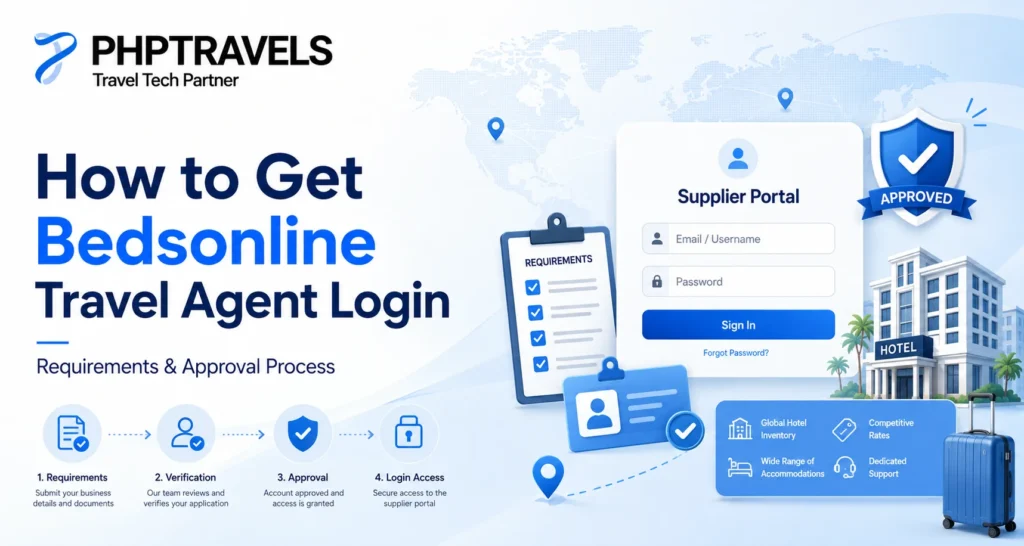
Bedsonline is a well-known travel distribution platform designed specifically for professional travel agents. If you are trying to access Bedsonline for hotel bookings, destination services, or negotiated travel agent rates.
Many agencies search for terms like Bedsonline login, Bedsonline agent login, or Bedsonline travel agent portal without fully understanding the approval process behind it. Bedsonline is not a public booking website. Access is restricted, and approval depends on whether your travel business meets their eligibility criteria. Platforms like PHPTRAVELS help agencies move beyond login access by enabling scalable Bedsonline integration for online distribution.
If you are trying to access the Bedsonline agent portal and facing login issues, password errors, or portal confusion, this guide walks you through everything step by step.This guide explains how Bedsonline travel agent login works, who can apply, what requirements are involved, and what to expect during the approval process.
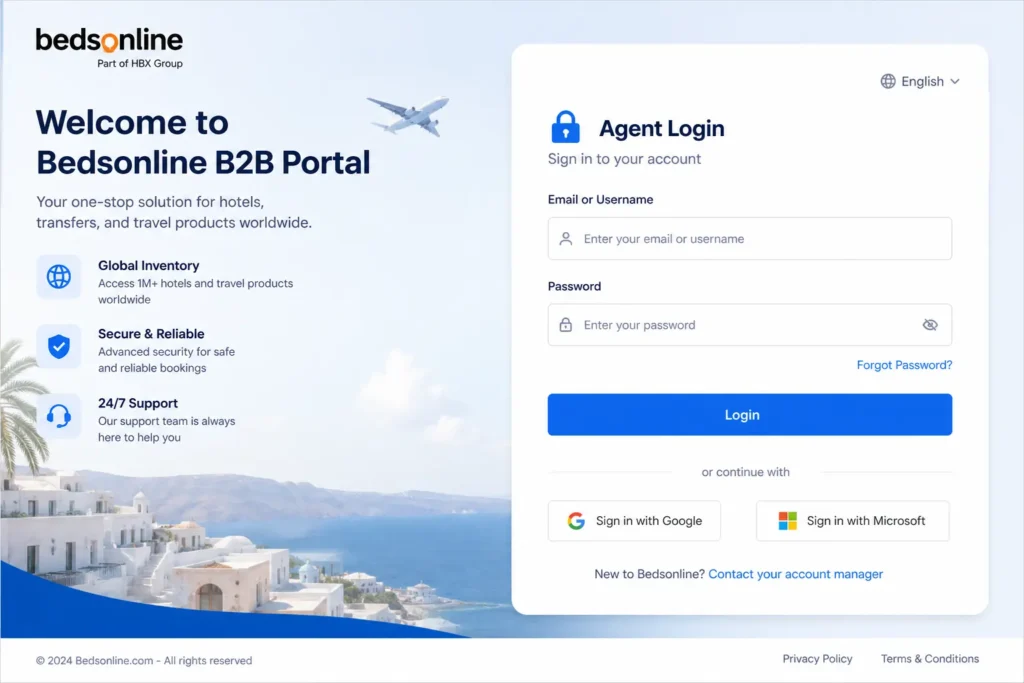
Bedsonline Travel Agent Login Step by Step
- Go to the official Bedsonline login page
- Enter your registered email or username
- Enter your password
- Click Login
- If enabled, complete verification
If login fails, do not retry blindly. Follow troubleshooting below.
Bedsonline Login Not Working Fix
Common issues and solutions:
1. Incorrect Credentials
- Double check email and password
- Make sure Caps Lock is off
2. Account Locked
- Multiple failed attempts can lock your account
- Wait or contact support
3. Browser Issues
- Clear cache and cookies
- Try incognito mode
4. Portal URL Confusion
- Many users use outdated links
- Always use the latest B2B portal
5. Network or VPN Issues
- Disable VPN
- Try different network
How to Reset Bedsonline Password
- Go to login page
- Click Forgot Password
- Enter registered email
- Check inbox for reset link
- Create new password
If you do not receive email:
- Check spam folder
- Wait 5 to 10 minutes
- Request again
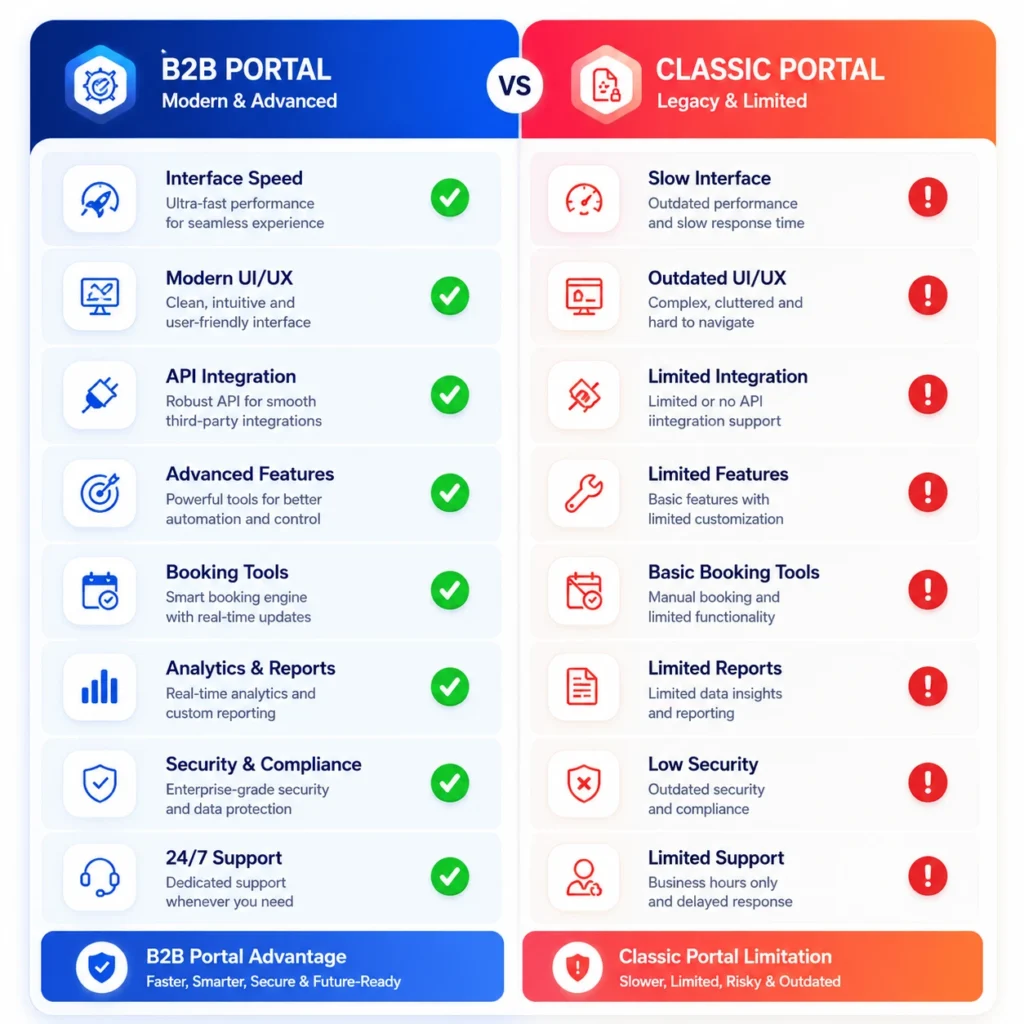
B2B VS CLASSIC PORTAL COMPARISON
Supported Browsers & Devices
| Device Type | Supported Browsers | Notes |
|---|---|---|
| Desktop | Google Chrome, Microsoft Edge, Firefox | Recommended for best performance |
| Mobile | Chrome (Android), Safari (iOS) | Fully responsive B2B portal |
| Tablet | Safari, Chrome | Works well with updated OS |
| Unsupported | Internet Explorer | May cause login errors |
Tired of login errors and limited access on Bedsonline? Modern travel agencies do not depend on a single supplier portal.They use unified systems that connect multiple suppliers with instant booking, better margins, and full control.
Request PHPTRAVELS B2B Demo Now
Still having trouble with Bedsonline login? Switch to a modern B2B booking portal with real time inventory and full control. Get PHPTRAVELS B2B Portal Demo →Launch your own booking platform with real-time inventory and automation.
What Is Bedsonline and Who Can Access It?
Bedsonline is a B2B travel platform operated by the Hotelbeds group. It provides access to accommodation inventory and destination services for verified travel professionals only.
Unlike consumer-facing hotel booking sites, Bedsonline does not allow direct customer sign-ups. Access to the Bedsonline travel agent portal is limited to:
- Licensed travel agencies
- Tour operators
- Travel management companies
- Wholesale travel sellers
- DMCs (Destination Management Companies)
If you are an individual traveler or a business without travel credentials, you will not be eligible for a Bedsonline login.
What Is a Bedsonline Travel Agent Login?
A Bedsonline travel agent login is a secure account that allows approved travel agencies to access the Bedsonline agent portal. Once logged in, agents can:
- Search accommodation inventory
- View travel agent–specific rates
- Check availability
- Create and manage bookings
- Access confirmations and vouchers
The Bedsonline agent login acts as the gateway to supplier-controlled content that is not visible on public booking websites.
Bedsonline Login vs Public Booking Websites (From a PHPTRAVELS Perspective)
It is important for travel businesses to understand the difference between Bedsonline’s agent-only access and public hotel booking platforms, especially when planning scalable online distribution.
| Feature | Bedsonline Travel Agent Portal | Public Booking Websites |
|---|---|---|
| Access | Approved travel agencies and systems integrated via PHPTRAVELS | Open to all end users |
| Rates | Travel agent and contract-based rates | Public retail rates |
| Booking purpose | B2B, B2C resale, packaging, and distribution | Direct consumer bookings |
| Account approval | Required for agents and system integrations | Not required |
| Usage model | Manual portal or API-based distribution through platforms like PHPTRAVELS | Standalone consumer booking |
This restricted-access model ensures that Bedsonline inventory is distributed only through verified travel businesses. PHPTRAVELS helps bridge the gap by allowing approved agencies to securely distribute Bedsonline content through their own B2B and B2C booking systems while staying compliant with supplier rules.
Requirements for Bedsonline Travel Agent Login
To obtain a Bedsonline agent login, your travel business must meet certain requirements. While approval criteria may vary by region, the following are commonly required:
1. Registered Travel Business
You must operate a legally registered travel company. This can include:
- Travel agency license
- Company registration documents
- VAT or tax registration (depending on country)
2. Industry Experience
Bedsonline typically works with businesses that have:
- Active travel sales operations
- Existing supplier relationships
- A clear business model for reselling travel products
New agencies may still apply, but approval is discretionary.
3. Valid Contact Information
Your application should include:
- Official company email address
- Business phone number
- Company website
Generic or incomplete contact details can delay approval.
4. Agreement With Supplier Terms
All Bedsonline agents must agree to:
- Supplier usage policies
- Distribution rules
- Rate parity and resale conditions
These terms ensure inventory is used responsibly within the travel ecosystem.
Step-by-Step: How to Apply for Bedsonline Agent Login
Step 1: Submit a Travel Agent Application
The process starts by applying as a travel professional through Bedsonline’s official channels. During application, you will be asked to provide business details and supporting documents.
Step 2: Verification and Review
Bedsonline reviews your submission to confirm:
- Business legitimacy
- Market fit
- Compliance with supplier standards
This stage may involve follow-up questions or requests for clarification.
Step 3: Approval and Account Setup
Once approved, you receive credentials for the Bedsonline travel agent portal. These credentials allow you to access the platform securely.
Step 4: First Login and Configuration
After your first Bedsonline login, you can:
- Update company profile
- Review booking settings
- Explore inventory and services
Some features may require additional activation depending on your agreement.
Common Reasons Bedsonline Login Applications Get Rejected
Not every application is approved. Common reasons include:
- Lack of verifiable travel business credentials
- Incomplete or inaccurate application data
- No clear resale or distribution model
- Business outside supported markets
If your application is declined, you may be able to reapply after addressing the issues.
Bedsonline Travel Agent Portal: What to Expect After Login
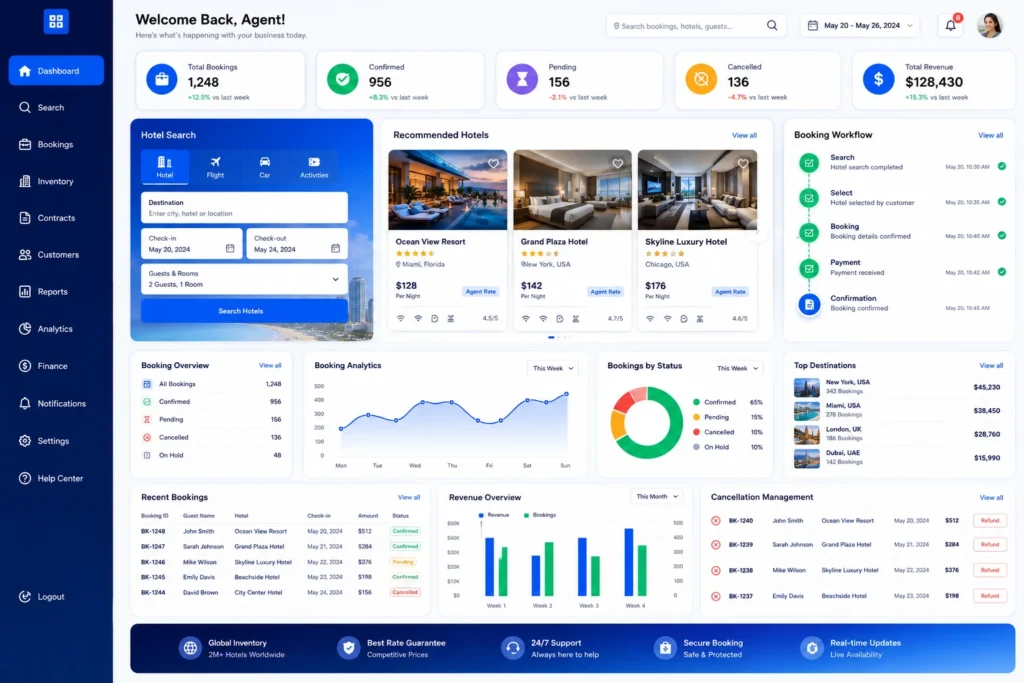
Once logged into the Bedsonline agent portal, agents typically gain access to:
- Accommodation search tools
- Rate displays based on agent agreements
- Booking confirmation workflows
- Cancellation management
- Basic reporting and booking history
The portal is designed for manual agent use, making it suitable for smaller teams or agencies handling bookings directly.
Can You Use Bedsonline Login for Online Selling?
A standard Bedsonline travel agent login is primarily designed for manual booking workflows. While agents can manage reservations efficiently, scaling online sales or multi-agent operations often requires additional systems.
Agencies planning to distribute Bedsonline content through:
- Their own travel website
- A B2B agent network
- A customer-facing booking portal
usually need technology support beyond the basic login.
For full Bedsonline integration with B2B & B2C systems, see our Bedsonline Integration guide.
Bedsonline Login Security and Access Control
Bedsonline takes supplier security seriously. Login access is typically:
- Username and password protected
- Restricted to approved business users
- Subject to monitoring for compliance
Agencies are responsible for ensuring login credentials are used only by authorized staff.
Final Thoughts
Obtaining a Bedsonline travel agent login is the first step for travel agencies looking to access professional hotel inventory and destination services. The approval process exists to protect suppliers, ensure fair distribution, and maintain industry standards.
If your agency meets the requirements and follows the correct application process, Bedsonline login can become a valuable operational tool. As your business grows, you may later explore ways to expand beyond manual portal usage into more scalable distribution models.