

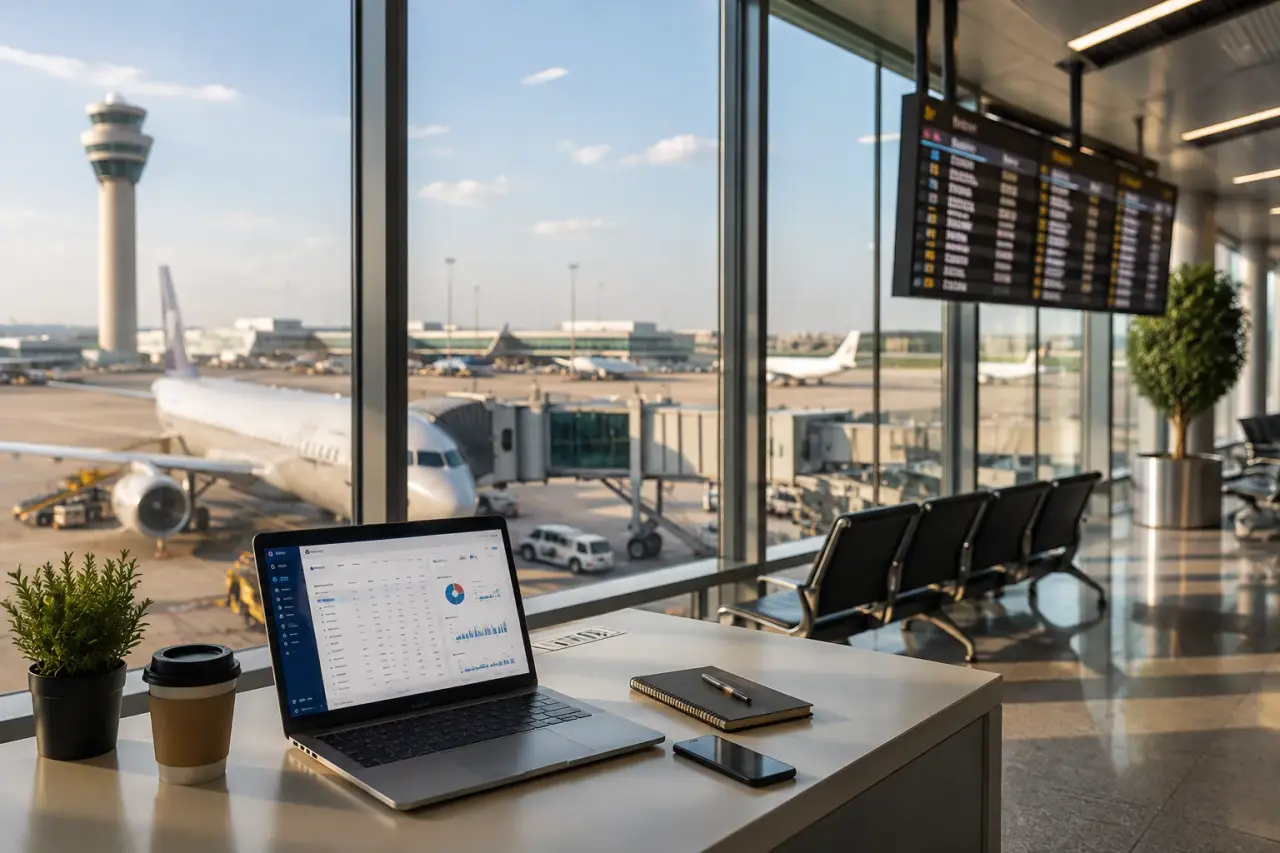
Flights module
Flight booking engine with GDS, NDC and low-cost carriers
Everything an airline booking engine does, on your own domain: multi-supplier search, branded fares, seat maps, PNRs and e-tickets, and a B2B portal with markups and agent wallets.
- Amadeus, Sabre, Travelport
- NDC and LCC content
- Seat maps and extras
- PNR and e-ticketing
Multi-supplier search
One search, every source, one clean results page
This is what your travellers and agents see: offers from every connected GDS, NDC and low-cost source, merged, priced and sortable in a single list.
See it live on the Live demo, or compare what each plan includes on Pricing.
214 offers · 61 duplicates merged
- EKEmiratesEK 107:45DXB7h 05mNon-stop10:50LHR$1,224Total, 2 adultsSelect
- QRQatar AirwaysQR 100102:15DXB9h 50m1 stop · DOH08:05LHR$1,096Total, 2 adultsSelect
- BABritish AirwaysBA 10614:30DXB7h 25mNon-stop17:55LHR$1,310Total, 2 adultsSelect
- TKTurkish AirlinesTK 76101:50DXB12h 15m1 stop · IST10:05LHR$978Total, 2 adultsSelect
Parallel shopping
Every connected GDS, NDC and low-cost source is searched at once, each with its own timeout, so one slow supplier never holds up the page.
De-duplication
The same flight sold by several sources becomes one card, matched on carrier, flight number and times. The best fare wins and the rest stay visible to your agents.
Filters and sort on the merged set
Stops, airlines, price, departure times and baggage are counted across all results. Best weighs price against journey time; cheapest and fastest do what they say.
Price check before payment
The chosen offer is revalidated with its supplier before the card is charged, so travellers do not pay for a fare that has gone.
| Basic$489 | RecommendedStandard$548 | Flex$712 | |
|---|---|---|---|
| Cabin bag 7 kg | Included | Included | Included |
| Checked bag | Not included | 1 × 23 kg | 2 × 23 kg |
| Seat selection | For a fee | Standard seats | Any seat |
| Changes | Not included | Fee + fare difference | Free, fare difference only |
| Refund | Not included | Not included | Refundable |
Branded fares and NDC
Sell fare families, not just the lowest price
Airlines earn on bundles. Your booking engine should show them the way the airline does, so travellers can trade up before they pay.
One fare model for every source
GDS branded fares and NDC offers are mapped to the same families, so Basic, Standard and Flex compare side by side whoever supplies them.
NDC rich content
NDC offers arrive with the airline's own bundles, descriptions and ancillaries. The engine shows them as delivered instead of flattening them to a price.
Upsell at the right moment
Families open once a flight is chosen, with the price difference per traveller, which is where a trade-up is most likely.
Fare rules before checkout
Change and refund conditions come from the supplier's fare rules, are shown before payment and stay on the booking for your support team.
Ancillaries
Seat maps, extra bags and meals in the booking flow
Ancillaries are where an airline makes its margin, and where your agency can too. Travellers pick and pay for extras without leaving your site.
Interactive seat maps
Built from the supplier's live seat map: availability, exit rows, extra legroom and paid seats priced per traveller and per segment.
Extra baggage
The pieces and weights the airline sells, added to the offer and priced before payment, so there are no surprises at the airport.
Meals and special requests
Meal choices and service requests such as wheelchair assistance or an infant on lap travel to the airline with the PNR.
After booking, too
Where the supplier supports it, travellers and agents add seats and bags later from the booking, and your team can do it from the admin.
Economy · rows 10 to 19
- Available
- Occupied
- Extra legroom
- Your seat
PNR and ticketing
Every booking is a PNR your team can service
Booking, ticketing and every change after it run in one place, with the PNR, the ticket numbers and the money kept together.
- Passenger
- DOE / JANE MS
- Ticket number
- 176-2401234567
- Booking status
- Ticketed
OutboundThu, Nov 12EK 1
- Cabin
- Economy
- Fare basis
- TLX7AE1
- Baggage
- 1 × 23 kg
- Seat
- 14A
ReturnThu, Nov 19EK 2
- Cabin
- Economy
- Fare basis
- TLX7AE1
- Baggage
- 1 × 23 kg
- Seat
- 14A
Booking status
- BookedPNR created and the fare held until the ticketing time limit, paid by card or from the agent wallet.
- TicketedE-ticket issued; itinerary and invoice emailed in the traveller's language.
- ChangedNew date reissued: fare difference and penalty collected, and the new ticket linked to the old one.
- RefundedRefund worked out from the fare rules, penalties deducted, money returned to the card or wallet.
Ticketing queues
Bookings waiting to be ticketed, failed issues and airline schedule changes land in queues your team works through.
Void, refund, reissue
Void a ticket inside the airline's void window, refund it under its fare rules, or reissue it for a new date, all from the booking.
GDS and supplier coverage
GDS flight API capability matrix
Native adapters for the three major GDS, plus NDC and low-cost content through consolidators, all on your own contracts.
Global distribution systems
Published and private fares, full PNR control, queues and ticketing through your Amadeus, Sabre or Travelport agreement.
 Amadeus
 Sabre
Sabre Travelport
NDC and consolidators
Airline NDC offers and consolidator fares through aggregators and B2B suppliers, ticketed by the supplier.
 Seeru
Seeru Duffel
 Mystifly
 PKfare
 TBO Holidays
Low-cost carriers
Low-cost and virtual-interlining content with instant ticketing, side by side with full-service fares.
 Kiwi
Kiwi
| Capability | Global distribution systems | NDC and consolidators | Low-cost carriers |
|---|---|---|---|
| Search and shopping | Supported | Supported | Supported |
| Fare rules | Supported | Supported | Depends on the supplier's API |
| Seat maps | Supported | Depends on the supplier's API | Depends on the supplier's API |
| PNR create and retrieve | Supported | Supported | Supported |
| Ticketing | Supported | Supported | Supported |
| Changes and refunds | Supported | Depends on the supplier's API | Depends on the supplier's API |
| Queues | Supported | Not applicable | Not applicable |
- Supported
- Depends on the supplier's API
- Not applicable
Metasearch channels
Feed your fares to metasearch so travellers who compare prices land on your booking page.
 Google Flights
 Kayak
Kayak
B2B agents
Markups, sub-agents and wallets, built in
Run a B2B flight portal from the same installation as your B2C site: every agent tier gets its own price, credit and ledger.
Selling hotels and transfers too? The same rules and wallets cover Stays and Cars & transfers.
Wallet balance
$4,862
Credit limit$10,000
38% of credit used
How the price is built
- Net fare from supplier$1,120
- Your markup+$45
- Agent buys at$1,165
- Agent's own markup+$59
- Traveller pays$1,224
Markup rules
| Applies to | Markup |
|---|---|
| Emirates, Economy | +4% |
| Every route from DXB | +$12 |
| B2C service fee, per ticket | +$8 |
Ledger
- Wallet top-upTP-20418+$2,500
- Ticket issued176-2401234567−$1,165
- Refund creditedRF-00731+$312
Markups and fees
Fixed or percentage markups by route, airline, cabin or channel, plus service fees.
B2B agent rates
Separate rates and commissions for each agent tier in the B2B portal.
Agent wallets
Credit limits, top-ups and wallet payments for sub-agents.
Multi-currency
Show fares and take payment in the currencies your markets use.
Tickets and invoices
E-tickets, itineraries and invoices generated and emailed automatically.
Reports and ledgers
Bookings, revenue, refunds and agent ledgers, ready to export.
FAQ
Flight booking engine questions
What agencies ask before launching a flight booking engine.
Talk to salesThe system that lets customers search flights, price an itinerary, pay, book and receive an e-ticket on your own website, with an admin to manage changes, refunds and reports.
Amadeus, Sabre and Travelport through native adapters, covering search, fare rules, PNR create and retrieve, ticketing, changes and refunds, plus NDC and low-cost content through consolidators such as Duffel, Kiwi and PKfare.
Yes. Every plan includes the full source code under a commercial licence, so your developers can read and extend search, markups and integrations, and you host it yourself.
Yes. Use supplier sandbox credentials where available while you build and test, then switch to production credentials and complete any certification your supplier requires.
With each booking, together with the supplier reference, fare basis, baggage and the hold, confirm and ticketing times, so your team can service changes and reconcile.
The fare is revalidated before payment, and booking and payment calls are idempotent, so a retry never creates a second booking or charges twice.
Yes. Agents book in the B2B portal with their own rates, commissions and wallet balance, from the same installation as your B2C site.
Speed depends mostly on the supplier, routing and caching. Filters, timeouts, retries and caching where allowed keep the first results fast and the booking flow stable.